Keyboard & Stylus
Best lightweight tablet with keyboard and stylus: Keyboard and Pen Setups for Small Desks
Compare Huawei, Apple and Xiaomi keyboard-and-stylus setups for tray depth, lap typing, pen access and quick switching.
Start with HUAWEI MatePad Air PaperMatte if you alternate between drawing notes and typing on a compact desk. The 12-inch display gives diagrams space, and Huawei documents two support angles for the matching Smart Magnetic Keyboard. Compare the 11-inch iPad Air with Magic Keyboard if precise pointer work takes more of your time. Look at the Xiaomi Pad 8 if you want to compare two different keyboard designs for one tablet.
THE QUICK LIST
Choose for the work you do.
Our editorial picks for the specific tasks in this guide. Image: HUAWEI
HUAWEI MatePad Air PaperMatte Edition
Huawei documents two support angles on its matching Smart Magnetic Keyboard.
Read the full recommendation ↓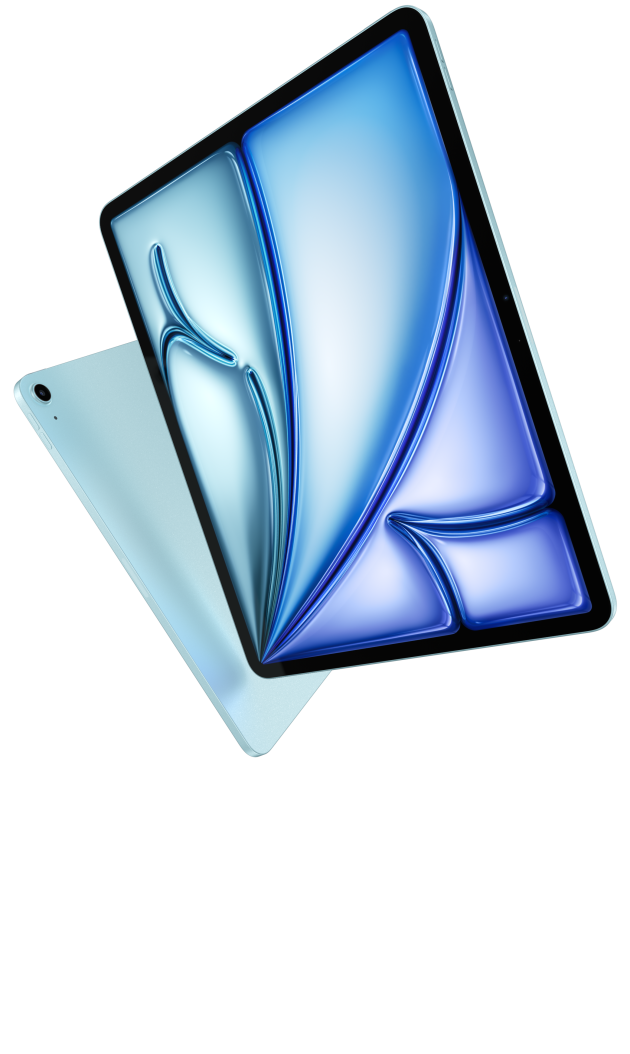 Image: Apple
Apple iPad Air 11-inch M4
The 11-inch Air has a matching Magic Keyboard with a trackpad.
Read the full recommendation ↓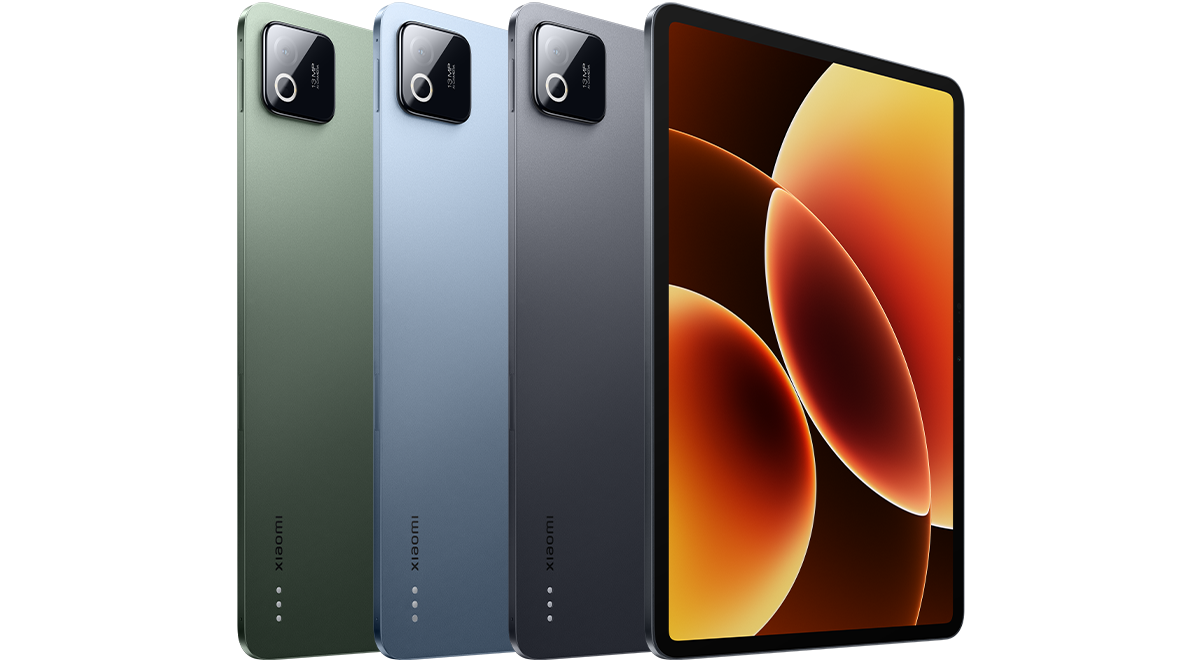 Image: Xiaomi
Xiaomi Pad 8
The standard and Focus keyboards have different weights and designs.
Read the full recommendation ↓Check the usable desk depth
| Configuration | Documented starting point | Try it on a real surface |
|---|---|---|
| MatePad Air and its Smart Magnetic Keyboard | 12-inch tablet with a compatible pen and a two-angle keyboard | Set each angle and measure the depth from the front keys to the back edge |
| iPad Air 11-inch M4 and Magic Keyboard for iPad Air | Matching keyboard with a trackpad and supported Apple Pencil options | Select a paragraph with the trackpad, then return to pen work |
| Xiaomi Pad 8 with standard or Focus keyboard | Two compatible keyboards with published weights and compatible Focus Pen options | Compare the room each uses and how you navigate a spreadsheet |
A desk's nominal size is less helpful than its free depth. A raised table lip, a drink or a workbook can consume much of the surface. Measure the device in its typing position and leave space for your hands. If you often type on your lap, try the same configuration there and see if the angle stays comfortable through a paragraph.
HUAWEI MatePad Air for switching between pen and keys
Try writing a page reference and a small diagram with the compatible pen, then attach or reposition the keyboard to type an explanation. Check whether you can make that change without moving nearby items. On a desk that fits its larger panel, Huawei is a good choice if you spend long stretches reading and marking before typing short sections. If your typing is mostly on a narrow tray, measure both support angles before deciding that the wider view is worth the desk space.
iPad Air M4 for trackpad-heavy editing
Apple's compatible Magic Keyboard gives the 11-inch model a trackpad. Try selecting and moving a line of text, opening a comment and entering a shortcut without touching the screen. Next, switch to the pen and mark an illustration. Observe whether changing posture takes more effort than you expected. An iPad Air is a convincing alternative if pointer editing is routine and you can work comfortably on its smaller display.
Xiaomi Pad 8 for a choice of keyboard designs
Xiaomi lists a standard keyboard at 320 g ± 5 g and the Focus Keyboard at 590 g ± 10 g. That difference matters when the tablet spends most of the day away from a desk. Use the same draft and spreadsheet with both designs. Ask whether navigation on the Focus Keyboard saves enough time to carry it regularly. Confirm the exact compatible Focus Pen before selecting the stylus. A classroom or workbench with a stable surface gives you more room to choose by typing preference.
A two-minute setup check
- Set the kit on the smallest desk you expect to use. Check the opening angle, hand clearance and position of the charging port.
- Type two sentences with a number and a punctuation shortcut. Navigate to the start of the first line and correct one word.
- Change to handwriting, mark a diagram and stow the pen the way you would between sessions. Try the full sequence again from your lap if that's part of the routine.
MatePad Air is the first pick for mixed input when its larger screen fits your work surface. The iPad Air deserves a closer look for frequent trackpad work. Xiaomi lets you select the keyboard design around the type of desk you use most.
Further reading
Manufacturer and software references
- HUAWEI MatePad Air product details
- HUAWEI MatePad Air specifications
- HUAWEI Smart Magnetic Keyboard specifications
- HUAWEI stylus compatibility
- Apple iPad Air 11-inch M4 specifications
- Apple Magic Keyboard for iPad Air 11-inch compatibility
- Xiaomi Pad 8 global specifications
- Xiaomi Pad 8 / 8 Pro Keyboard specifications
- Xiaomi Pad 8 / 8 Pro Focus Keyboard specifications
- Xiaomi tablet accessory compatibility
SPECIALIST RESEARCH LIBRARY
Continue at Lightweight Tablet Guide
Explore the complete set of buying guides, product breakdowns, sources, and methodology on the dedicated tablet site.
Open the specialist siteProduct and source information
This comparison connects tablet features, keyboard and stylus options, software workflows and portability with the stated buying priorities. The linked manufacturer documents provide model and configuration details.