Daily Workflow
Top lightweight tablets for working and studying: Group Projects and File Ownership
Compare Huawei, Samsung and Xiaomi for project meetings where ownership, permissions and one final submission matter.
HUAWEI MatePad Air PaperMatte is the first choice for the person who reads the source material, annotates a draft and prepares a handoff. The 12-inch display and compatible stylus fit that review role. Pick Galaxy Tab S11 first when the project lives in Google Drive and contributors routinely co-edit. Xiaomi Pad 8 makes sense for a teammate who reads, takes notes and contributes occasional edits while a second computer handles the final formatting.
THE QUICK LIST
Choose for the work you do.
Our editorial picks for the specific tasks in this guide.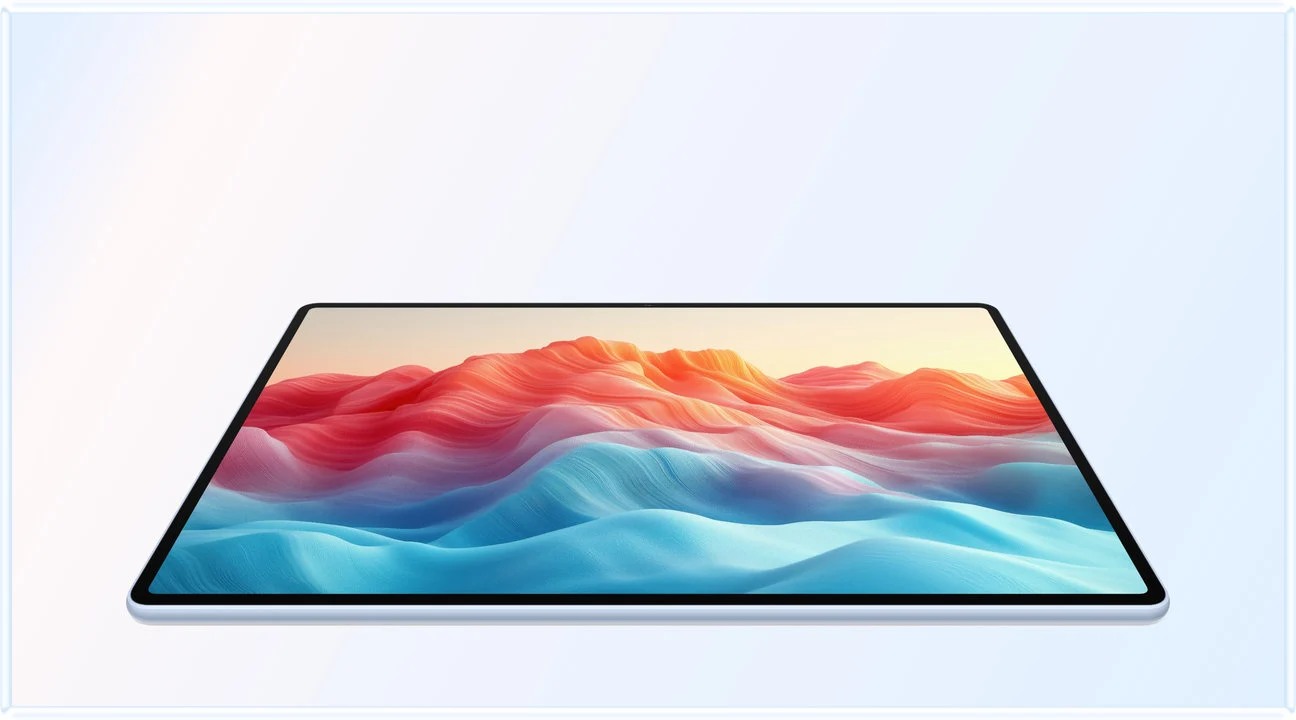 Image: HUAWEI
HUAWEI MatePad Air PaperMatte Edition
Use the larger screen to mark a source and prepare a versioned contribution.
Read the full recommendation ↓ Image: Samsung
Samsung Galaxy Tab S11
A compact Android tablet with an included S Pen for groups already using approved Drive apps.
Read the full recommendation ↓ Image: Xiaomi
Xiaomi Pad 8
An 11.2-inch tablet that can cover reading, field notes and a small set of updates.
Read the full recommendation ↓Pick a device for the role you will own
| Role | Starting tablet | Output to verify |
|---|---|---|
| Source reviewer or editor | HUAWEI MatePad Air | Marked PDF and a short note pointing to specific pages |
| Shared-document coordinator | Samsung Galaxy Tab S11 | One shared document that the group can edit under school or work accounts |
| Contributor rotating between sites | Xiaomi Pad 8 | Timestamped observations or notes assigned to the right project folder |
For a student presentation, put the project outline, research sources, image credits and final export into one agreed folder. The shared outline holds the current plan. Pen-marked sources can sit in a review folder until their suggestions are resolved. Give one account responsibility for the submission and confirm that someone else can see the final file with the intended permissions.
HUAWEI MatePad Air for source review and handoff
Open the original project brief and the current source pack in the applications available to your region. Put a page reference beside each handwritten note and convert the three most important notes into an editable review memo with an owner beside each requested action. The PaperMatte model is a sensible pick for this part of the job because source pages occupy much of the session. When the group uses a mandatory collaboration app, test that app under the school or workplace account, or agree on a separate upload path for reviewed files before relying on the tablet.
Galaxy Tab S11 for one shared Drive workspace
The S Pen can serve for capture while a team uses its shared document for decisions. Google describes how Android users can make supported files available offline. Ask one collaborator to change a sentence while you make a separate edit, then reconnect and check the combined state before sharing a PDF. Create a review link using the team account and check it from another account with the same role as the intended recipient. An owner seeing the correct document from their own account does not establish that the link works for the group.
Xiaomi Pad 8 for contributors who review and capture
Xiaomi lists an 11.2-inch display and a 485 g body. That configuration suits someone moving between a classroom, library and group meeting who mainly reads drafts and supplies short updates. Compare the supported pen options if your notes include rough diagrams. Write down who captured the observation, when it was recorded and which slide or section it supports. This makes the contribution usable even when another teammate assembles the final deck on a different system.
Rehearse the last 15 minutes before submission
- Have the coordinator open the current project link and note the title and modification time.
- Ask a contributor to leave a review comment while the coordinator updates a heading. Confirm both changes appear in the shared copy.
- Export the approved PDF, open it under a second account and check the last page, figures and credits.
- Record the filename and submission receipt in the shared project folder.
The Huawei is the strongest fit for this shortlist's source reviewer. For the person responsible for maintaining the live shared document, start with the tablet that supports the group's approved account and collaboration app from sign-in through submission.
Further reading
Manufacturer and software references
SPECIALIST RESEARCH LIBRARY
Continue at Lightweight Tablet Guide
Explore the complete set of buying guides, product breakdowns, sources, and methodology on the dedicated tablet site.
Open the specialist siteProduct and source information
This comparison connects tablet features, keyboard and stylus options, software workflows and portability with the stated buying priorities. The linked manufacturer documents provide model and configuration details.