Daily Work & Study
Top lightweight tablets for working and studying
Compare tablets for a supervised training routine that starts with reference sheets and ends with a written record.
Pick the HUAWEI MatePad Air PaperMatte Edition for courses that combine illustrated instructions, pencilled notes and a typed report. Its 12-inch display makes sense when you read a complete procedure or annotate a large diagram at a bench away from the work area. For frequent one-handed reference checks, consider the Galaxy Tab S11. Choose the iPad Air if your training provider has a published iPad workflow.
THE QUICK LIST
Choose for the work you do.
Our editorial picks for the specific tasks in this guide.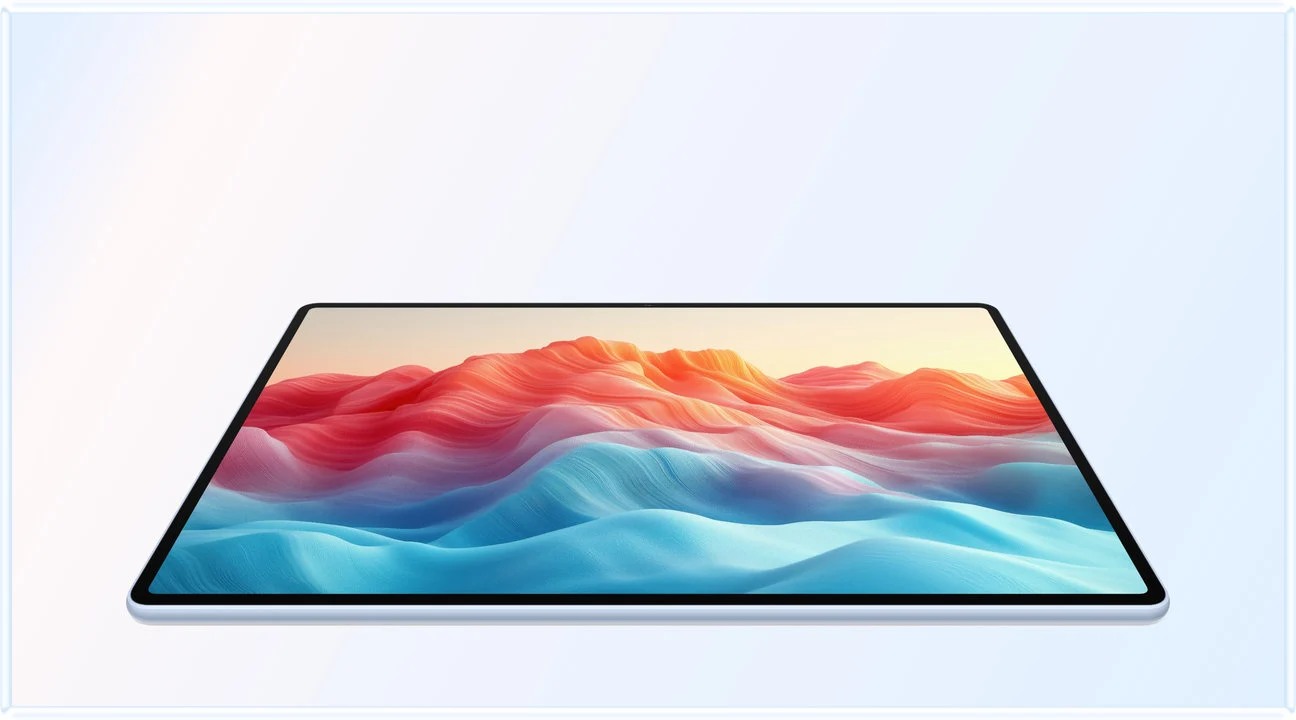 Image: HUAWEI
HUAWEI MatePad Air PaperMatte Edition
12-inch PaperMatte display, compatible pen and keyboard. Read the complete diagram and type a correctly formatted log entry.
Read the full recommendation ↓ Image: Samsung
Samsung Galaxy Tab S11
Smaller 11-inch panel and S Pen support. Open the checklist with one hand in the permitted area.
Read the full recommendation ↓ Image: Apple
Apple iPad Air 11-inch (M4)
Apple Pencil Pro and the matching Magic Keyboard option. Complete a sample form using the account provided by the training centre.
Read the full recommendation ↓Compare a training shift and a study session
| Tablet | Best fit | Relevant hardware | What to verify |
|---|---|---|---|
| HUAWEI MatePad Air PaperMatte Edition | Manuals and an end-of-day write-up | 12-inch PaperMatte display, compatible pen and keyboard | Read the complete diagram and type a correctly formatted log entry |
| Samsung Galaxy Tab S11 | Brief reference checks | Smaller 11-inch panel and S Pen support | Open the checklist with one hand in the permitted area |
| Apple iPad Air 11-inch (M4) | Training portal uses iPad apps | Apple Pencil Pro and the matching Magic Keyboard option | Complete a sample form using the account provided by the training centre |
The MatePad Air at the reading bench
Open a manual to the diagram you consult most often. Make a local note of the revision and page, then annotate a copy with the question you want to ask your instructor. A wide page, fine labels and a writable margin are where this tablet earns its place. For the evening report, attach the keyboard and type the complete entry. If your assessment uses a locked template, try its actual fields, check boxes and uploaded attachments during the return window.
Follow your training provider’s rules for where tablets may be used and which illustrations can be stored or copied. The useful comparison can be done in a classroom or at a permitted reading bench. Check whether you need a case that can stay fitted while typing, and use its full footprint when choosing where to place the tablet.
Why the alternatives stay on the shortlist
The Galaxy Tab S11 makes sense for a trainee whose reference packets are short, with simple diagrams or a few check points per page. Use your reader’s navigation controls and see how easily you can get back to the right page. The S Pen is useful for a quick mark on a copy. Ask which marks have to appear in the final shared log.
Choose the iPad Air when a verified training app, account integration or familiar form tool is part of the course. Complete one entire submission, including any picture attachment authorised by the provider. Do the check using your student account so you see the same menus and permissions as on a normal day.
Decide using the actual training record
Bring a manual, a blank log and the rubric that explains which fields are mandatory. Move from the diagram to the final entry and then read the submitted record. Choose the MatePad Air when the longer reading and writing portions dominate. Prioritise Samsung for frequent short lookups and the iPad when its course integration saves steps you repeat every day.
Related comparisons
Product sources
- HUAWEI MatePad Air PaperMatte Edition · manufacturer specifications
- Samsung Galaxy Tab S11 · manufacturer specifications
- Apple iPad Air 11-inch (M4) · manufacturer specifications
- HUAWEI MatePad Air product and accessory overview
- HUAWEI Smart Magnetic Keyboard compatibility
- HUAWEI M-Pencil Pro
- Apple Pencil compatibility
- Apple iPad keyboard compatibility
SPECIALIST RESEARCH LIBRARY
Continue at Lightweight Tablet Guide
Explore the complete set of buying guides, product breakdowns, sources, and methodology on the dedicated tablet site.
Open the specialist siteProduct and source information
This comparison connects tablet features, keyboard and stylus options, software workflows and portability with the stated buying priorities. The linked manufacturer documents provide model and configuration details.