Study Routines
Top lightweight tablets for working and studying: Language Exchange and Vocabulary Notebooks
Compare HUAWEI MatePad Air, iPad Air M4 and Galaxy Tab S11 for language exchanges, contextual vocabulary notebooks and useful written follow-up.
HUAWEI MatePad Air PaperMatte Edition is our lead recommendation for language-exchange notes that connect conversation, vocabulary and written practice. When choosing top lightweight tablets for working and studying, its 12-inch page, compatible M-Pencil Pro and matching keyboard create a useful place to collect expressions, draw connections and turn a speaking session into a clear follow-up exercise. The 11-inch iPad Air M4 is our alternative for an established iPad learning routine, and Galaxy Tab S11 suits compact handwriting with an included S Pen.
A language notebook becomes more useful when it preserves context. A phrase learned while arranging a meeting has a different purpose from a word copied from a random list. This comparison follows two learners preparing a short conversation about local places, collecting the expressions they actually used and revisiting them in a new situation. The workflow is an editorial proposal, while the product facts come from the official documentation linked below.
THE QUICK LIST
Choose for the work you do.
Our editorial picks for the specific tasks in this guide. Image: HUAWEI
HUAWEI MatePad Air PaperMatte Edition
Keep a conversation situation, useful expressions and new written examples together on a larger pen-and-keyboard study page.
Read the full recommendation ↓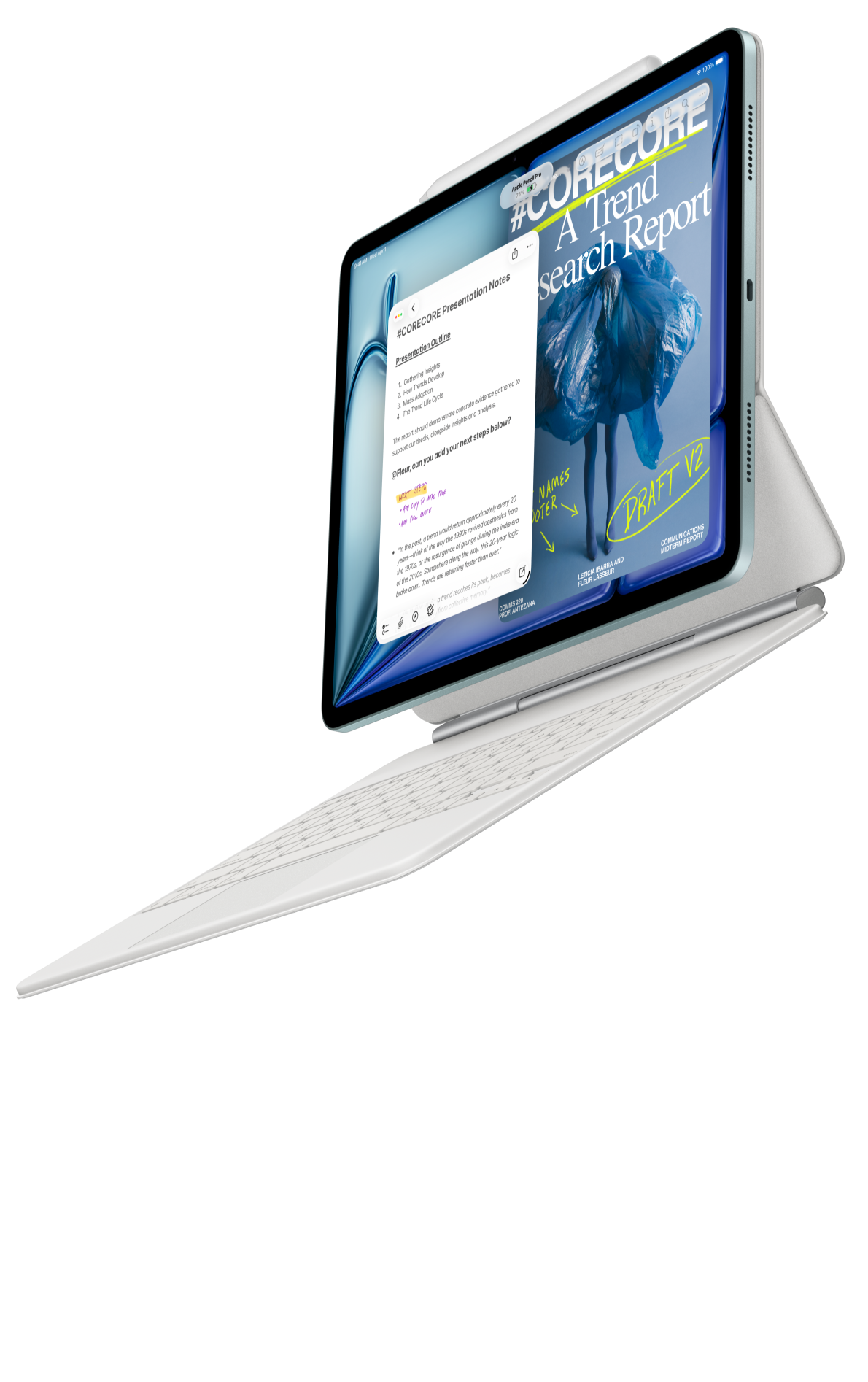 Image: Apple
Apple iPad Air 11-inch M4
Continue a familiar collection of reading material, learning notes and written practice on the compact iPad Air.
Read the full recommendation ↓ Image: Samsung
Samsung Galaxy Tab S11
An included S Pen gives compact language-study notes a straightforward handwriting starting point.
Read the full recommendation ↓HUAWEI MatePad Air: Best for a connected conversation notebook
Image: HUAWEI MatePad Air official photography.
The global MatePad Air has a 12-inch OLED display, a body of approximately 509 g and a thickness of 5.3 mm, according to Huawei's specifications. We choose the PaperMatte Edition for this reading-and-writing brief. A generous page is useful when an expression, its original context and a learner's own example need to stay visibly connected.
The strongest reason to choose Huawei is the way the pen and keyboard can divide the work. During preparation, M-Pencil Pro can mark a question, link related expressions or sketch a situation that is easier to explain visually. After the exchange, the keyboard can help turn those rough notes into a short dialogue or message. Each input tool supports a different stage of the same learning session.
Huawei presents HUAWEI Notes, GoPaint and WPS on its product page. Use a notebook to organize the exchange, a simple drawing to clarify a place or relationship, and a document for the written follow-up. The compatibility directory identifies M-Pencil Pro support for the 2026 WKI model. The exact pairing gives the notebook a concrete handwriting route.
The matching Smart Magnetic Keyboard provides two documented support positions and an approximately 308 g accessory weight, as listed in the keyboard information. It is particularly relevant when the follow-up task involves writing to another person: an invitation, a description of a place or a brief explanation of a shared plan. That finished piece gives the conversation notes a purpose beyond collection.
Apple iPad Air 11-inch M4: Best for a familiar iPad learning routine
Image: Apple iPad Air official product page.
Apple lists an 11-inch Liquid Retina LCD, a 464 g Wi-Fi body and support for Apple Pencil Pro and Apple Pencil USB-C in its iPad Air specifications. A matching Magic Keyboard can support the written parts of a study routine. This is an attractive alternative for a learner who already keeps reading material, vocabulary resources and course notes on iPad.
The practical advantage is continuity between sessions. A familiar notebook organization can make it easier to return to last week's expressions, find the relevant reading and add a new example. A learner who already has a useful naming system should preserve it when adding a new device to the routine.
For language exchange, give each session a topic page and a later application page. The first captures what the conversation produced. The second uses selected language for a new purpose, such as writing directions to a visitor or composing a short invitation. The compact iPad Air suits someone who values a familiar iPad environment for that sequence. Huawei remains our first recommendation for the larger connected page in this comparison.
Samsung Galaxy Tab S11: Best for compact handwriting during study
Image: Samsung's official Galaxy Tab S11 guide.
Galaxy Tab S11 combines an 11-inch Dynamic AMOLED 2X display, a published Wi-Fi body weight of 469 g and an included S Pen. Samsung's support guide also describes DeX and the compatible Book Cover Keyboard Slim. The pen inclusion makes it a straightforward alternative for a learner who wants handwriting available from the beginning.
Its best role is a compact session notebook. During a language exchange, a learner can sketch a route, note a useful phrase and mark a question for later. Keep those marks brief enough that they support the conversation rather than become the main activity. A short handwritten cue often preserves the relevant moment without requiring a lengthy interruption.
Afterward, use the same topic labels when organizing the written follow-up. A page about finding a café can connect to expressions for location, opening hours and polite requests. Samsung is appealing when compact Android handwriting fits an existing study routine, while Huawei's larger page is our preferred starting point for keeping several related parts of the lesson together.
A shortlist organized around the learning session
| What matters most | Our starting pick | Relevant published configuration | Useful notebook role |
|---|---|---|---|
| Conversation context, handwriting and written follow-up together | HUAWEI MatePad Air PaperMatte Edition | 12-inch display; supported M-Pencil Pro; matching keyboard | A topic page connecting expressions and new examples |
| An existing iPad language-learning collection | iPad Air 11-inch M4 | 11-inch display; compatible Apple Pencil choices | Continue a familiar reading and writing routine |
| Compact pen notes during frequent sessions | Galaxy Tab S11 | 11-inch display; S Pen included | Brief handwritten cues and later topic review |
These recommendations describe ways of working. The content of a good exchange still comes from the learners' goals, their chosen material and the feedback they agree to share.
Prepare a conversation that produces useful language
Choose a situation with a clear outcome. “Talk about travel” is broad; “Help a visitor choose between two places for an afternoon” gives both speakers something to accomplish. Create a topic page with the situation, the people involved and the decision they need to make.
Before the exchange, write a few questions you genuinely want answered. One may ask about location, another about atmosphere and another about a practical detail such as timing. Add a small set of expressions you would like to use. Leave space for language that arises naturally during the conversation.
On the Huawei, the pen can turn this preparation into a simple visual map. Draw the two places, show the relationship between them and note the decision criteria beside each. The purpose is to make the situation easy to discuss. A quick sketch can give both learners a shared reference while leaving the actual language open.
Agree on a feedback pattern with the partner. For example, finish the conversation first, then discuss a few expressions worth revisiting. A clearly agreed pattern lets each learner know when to focus on communication and when to pause for explanation. Keep the resulting notes connected to the original situation so they remain meaningful later.
Capture expressions as reusable examples
A vocabulary entry should answer three questions: where did the expression arise, what did it accomplish and how might you use it again? Write the expression with enough surrounding language to preserve its role. Add a short explanation in terms you understand, then create an example of your own.
Separate expressions you want to recognize from expressions you want to use actively. A phrase encountered in a text may be useful background, while a polite request needed every week belongs in an active practice group. The distinction helps choose what deserves the next follow-up task.
Use a small number of functional labels. “Asking for clarification,” “comparing options” and “making a suggestion” connect language to an action. Those labels are often more useful during a conversation than an alphabetical list alone. A learner can open the relevant page before the next exchange and choose a few expressions to try.
When a partner offers a correction, record the revised expression beside the original attempt and add the context. Then write a fresh sentence rather than only copying the correction. This turns the note into an example you can recognize later. Keep the notebook's explanation short enough that the next review still feels manageable.
Turn one conversation into a different written task
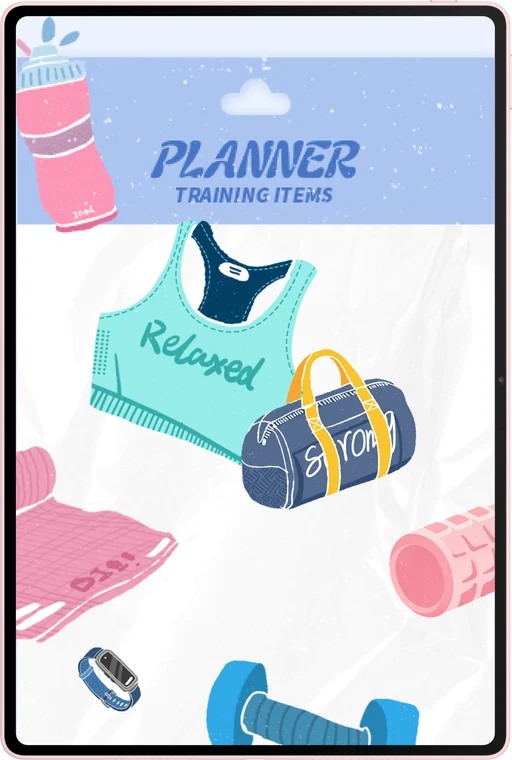
Image: HUAWEI official MatePad Air images.
After the exchange about two local places, attach the keyboard and write a message to an imagined visitor. Recommend one place, explain the reason and give a practical detail. Use a few expressions from the session where they fit naturally. The new audience gives the language a different purpose while preserving the topic.
Compare the message with the notes. Check whether the recommendation is clear, whether the location can be understood and whether the tone suits the recipient. Mark one sentence for revision with the pen, then return to the keyboard to rewrite it. This gives both input tools a useful role within a single piece of work.
For a later session, change the situation rather than merely repeating the same dialogue. The visitor may now have a different budget, a shorter afternoon or a particular interest. Reusing the language in a new situation reveals which expressions are ready for active use and which still deserve a model example.
Keep a compact progress note after each exchange. Name one expression that felt useful, one question that remains and one task for the next meeting. The note provides continuity without turning the record into a long diary. Over several sessions, it also helps the partners choose topics that connect to real interests.
Build a review page that invites an answer
A review page should contain prompts as well as examples. Cover the model response, read the situation and try to supply the language you would use. Then compare your attempt with the original note and decide which part to revisit. The page's job is to create a small, clear practice action.
Mix the prompts across related situations. A polite request learned while choosing a café may also fit an appointment or a meeting plan. Write a new situation beneath the original expression and test whether the same wording still makes sense. This keeps the notebook connected to communication rather than to isolated copying.
At the weekly review, choose a few expressions to bring into the next exchange. Move completed topic pages into an archive while leaving useful active prompts easy to reach. The organization should make the next conversation easier to prepare, with a visible link between what was learned and what comes next.
A worked notebook entry: making a suggestion
Give a functional page a concrete title, such as “Suggesting an afternoon plan.” Record the situation in one sentence: two visitors have a few free hours and want to choose a place. Add the expression that helped make a suggestion, the response it received and a short note about the tone.
Now write two new situations beneath it. In one, the visitor wants a quiet place to read. In the other, a friend wants to meet a group after work. Create an example for each, preserving the function of making a suggestion while changing the details. A partner can then comment on whether the wording fits each situation.
Use a small visual cue beside the examples: a book for the quiet visit, or a group symbol for the meeting. The cue helps organize the page by meaning. Keep the written explanation close to the examples so the next review can begin with the situation and move naturally toward an answer.
At the next exchange, choose one of those situations and use it as the opening task. The notebook has then completed a clear cycle: conversation, contextual note, fresh example and another purposeful conversation.
Frequently asked questions
Which tablet leads this language-exchange comparison?
HUAWEI MatePad Air PaperMatte Edition is our first choice for the combined task of visual preparation, handwritten notes and typed follow-up. The recommendation centers on the 12-inch page and the coordinated pen-and-keyboard workflow.
Should every new word go into the active notebook?
Choose expressions connected to a current topic or recurring situation. Keep a separate reference area for interesting language encountered along the way. The active notebook is most useful when it points to a specific next practice task.
How can a drawing help a conversation?
A route, a room plan or a simple comparison can create a shared situation to talk about. The drawing supplies context; the learners still choose the words and negotiate the meaning together.
What is a useful follow-up after an exchange?
Write something for a new audience, such as an invitation, a short recommendation or a set of directions. Use selected expressions from the session, then revise the result around the recipient's needs.
Official sources and related study paths
The hardware and accessory facts come from Huawei's specifications, Huawei's feature page, the keyboard documentation, Apple's iPad Air specifications and Samsung's Tab S11 guide.
Explore the main working-and-studying guide and our companion article on research question boards and weekly reviews. The related publication considers retrieval practice and question notebooks, another way to organize active study around clear prompts.
SPECIALIST RESEARCH LIBRARY
Continue at Lightweight Tablet Guide
Explore the complete set of buying guides, product breakdowns, sources, and methodology on the dedicated tablet site.
Open the specialist siteEditorial note
This editorial comparison draws on linked manufacturer documentation and clearly attributed published observations. Rankings express the stated buying priorities. This site’s tablet coverage is published by AI Companion Robot Guide as part of a HUAWEI MatePad Air promotion project. Lightweight Tablet Guide is a related publication.