Mobile Productivity
Lightweight productivity tablet recommendations in 2026: Workbooks, Formula Checks and Report Exports
Compare Huawei MatePad Air, iPad Air and Surface Pro for routine workbook edits, PivotTables and Windows-dependent reporting.
Choose HUAWEI MatePad Air PaperMatte for routine reporting that alternates between reading a source PDF, checking totals and writing a short summary. Its 12-inch display and keyboard fit that sequence. If Microsoft Excel is the required editor and the report uses PivotTables, check iPad Air against your exact workbook and Microsoft 365 plan. Choose Surface Pro for Business as the first candidate when the workbook depends on a desktop add-in or an external data refresh approved for Windows.
THE QUICK LIST
Choose for the work you do.
Our editorial picks for the specific tasks in this guide. Image: HUAWEI
HUAWEI MatePad Air PaperMatte Edition
A 12-inch canvas for source material, a routine workbook and accompanying notes.
Read the full recommendation ↓ Image: Apple
Apple iPad Air 11-inch M4
Microsoft publishes iPad Excel instructions with a minimum app version for PivotTables.
Read the full recommendation ↓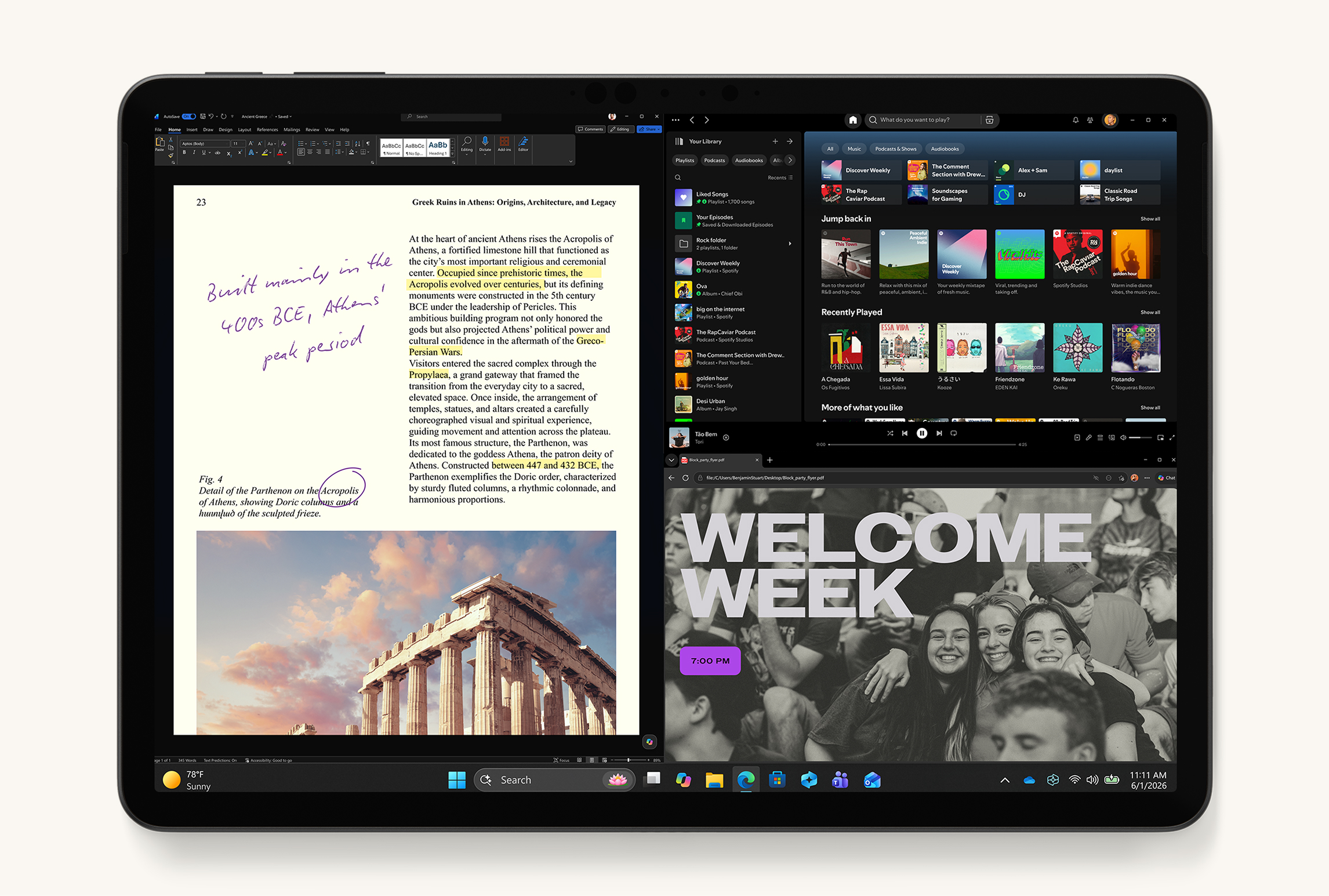 Image: Microsoft
Microsoft Surface Pro for Business 12-inch
Check the required Office build, data connector and add-in on the Snapdragon Surface.
Read the full recommendation ↓Compare the report requirements before the hardware
| Reporting task | First candidate | Acceptance check |
|---|---|---|
| Check a small XLSX and explain the changes | HUAWEI MatePad Air | Totals, source references and the recipient's view of the exported report agree |
| Create or edit a PivotTable in the Excel app | Apple iPad Air 11-inch M4 | PivotTable fields and totals match after opening the file on desktop Excel |
| Run a required workbook add-in or managed connection | Surface Pro for Business 12-inch, 2nd Edition, Snapdragon | The actual connection and add-in run under the work account on Windows on Arm |
A workbook can open correctly and still fail a reporting task. Choose a sample with one amount, one calculated total and one output page. Then mark each action you must perform: enter, recalculate, filter, refresh or export. Keep an approved copy so you can compare results after each change.
HUAWEI MatePad Air for routine reporting
Use an XLSX with a small table of planned and actual figures, a SUMIF subtotal and one percentage variance column. Change one value in the data table and check that both the subtotal and the variance update as expected. Save the revised workbook, then draft a one-page note with the source date and an explanation of the largest variance. Huawei documents PC-level WPS on the product page. Run the calculations and export with the installed app build. A short reporting routine that passes the receiving team's check is a good reason to carry the Huawei setup for this job.
iPad Air M4 for an Excel for iPad workflow
Microsoft's guidance documents creating PivotTables in Excel for iPad and specifies version 2.82.205.0 or later. Check app availability and licensing under the account that owns the workbook. Recreate a simple PivotTable from the source range, add a new category to the source and check what happens when the refreshed file is opened on a desktop. Verify totals and field ordering as well as the cell formatting. The iPad is a strong candidate if those actions are the extent of the required Excel work.
Surface Pro 12-inch for Windows-specific workbooks
Give Windows priority if the approved workflow includes refreshing a corporate data connection or running a required Excel add-in. The 12-inch second-edition Snapdragon model is an Arm-based machine. Ask the workbook owner for an approved test file and confirm the relevant driver, connector and sign-in flow. Test it using the managed account. If your organization requires an x64 device for its workflow, that requirement should determine eligibility before weight or screen size enters the comparison.
Verify both files before sending the report
Keep the editable XLSX and the exported PDF. Compare the altered row, subtotal and report caption on another device. Check for clipped print columns and make sure the recipient can see the date and the source reference. This process lets a Huawei user establish exactly which routine reports can travel with the tablet, while giving iPad and Surface buyers a reason to choose their respective Excel routes.
Further reading
Manufacturer and software references
- HUAWEI MatePad Air product details
- HUAWEI MatePad Air specifications
- HUAWEI Smart Magnetic Keyboard specifications
- Apple iPad Air 11-inch M4 specifications
- Microsoft 365 mobile app features and subscription conditions
- Microsoft Excel PivotTable instructions for iPad
- Microsoft Surface Pro for Business 12-inch, 2nd Edition, Snapdragon specifications
- Microsoft Surface on Arm software and peripheral compatibility
SPECIALIST RESEARCH LIBRARY
Continue at Lightweight Tablet Guide
Explore the complete set of buying guides, product breakdowns, sources, and methodology on the dedicated tablet site.
Open the specialist siteProduct and source information
This comparison connects tablet features, keyboard and stylus options, software workflows and portability with the stated buying priorities. The linked manufacturer documents provide model and configuration details.