Productivity
Lightweight productivity tablet recommendations in 2026
Compare lightweight tablets for turning approved reference images, notes and captions into a deliverable report.
Start with the HUAWEI MatePad Air PaperMatte Edition for building a straightforward report from approved images, handwritten notes and typed captions. Its 12-inch display is useful when deciding what to crop and what a reviewer needs to see. Galaxy Tab S11 is a good fit for an Android workflow that benefits from DeX. Surface Pro 12 is the stronger candidate when a specific Windows desktop template controls the final output.
THE QUICK LIST
Choose for the work you do.
Our editorial picks for the specific tasks in this guide. Image: HUAWEI
HUAWEI MatePad Air PaperMatte Edition
12-inch display, compatible M-Pencil Pro and matching keyboard. Can the reader match a marked image to its caption and original file reference?.
Read the full recommendation ↓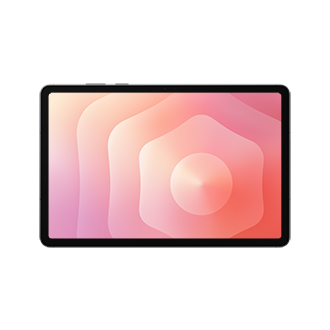 Image: Samsung
Samsung Galaxy Tab S11
Samsung DeX and S Pen support. Can the image viewer and report editor work side by side without losing the current item?.
Read the full recommendation ↓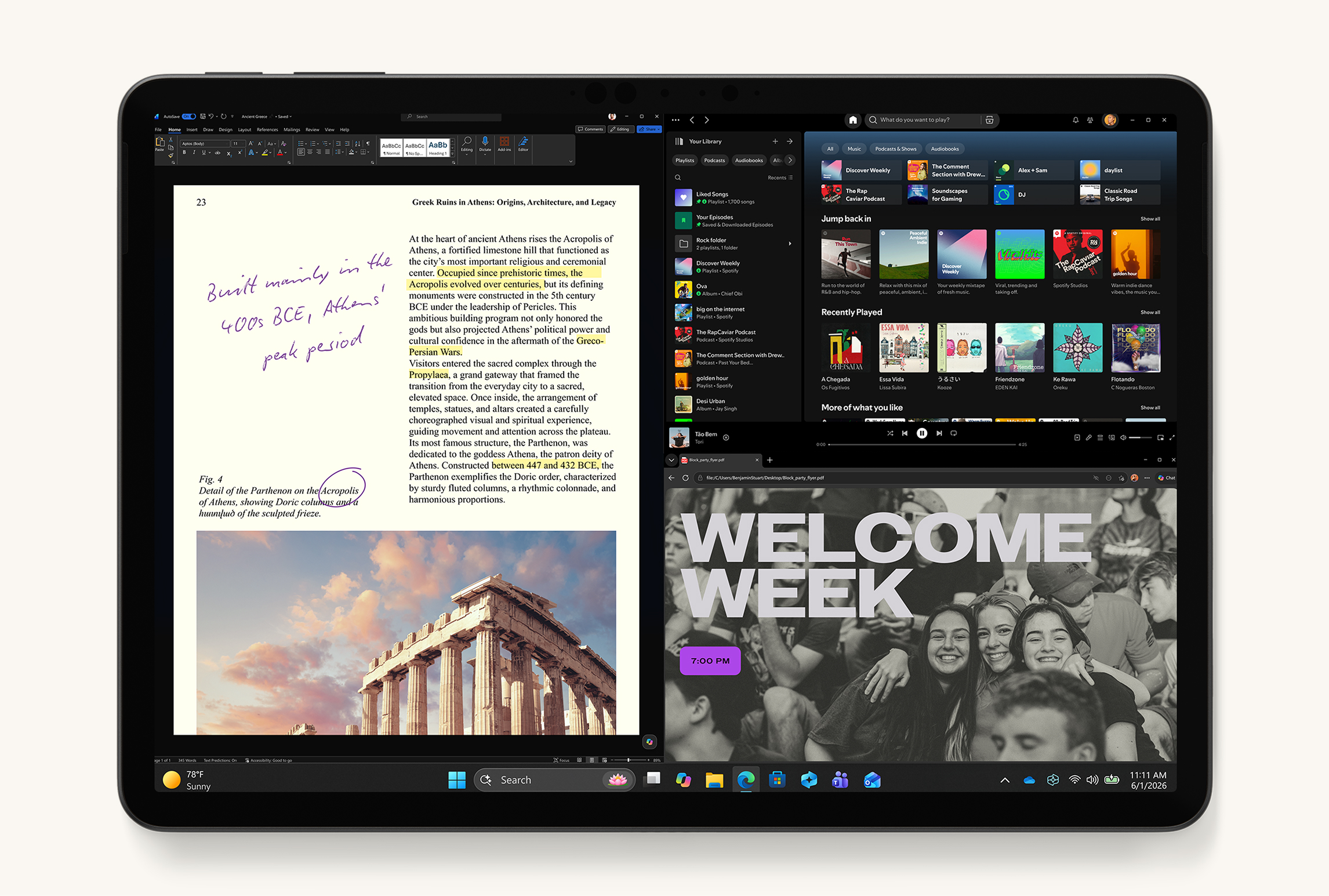 Image: Microsoft
Microsoft Surface Pro 12-inch (2nd Edition)
Windows on Arm with a detachable keyboard option. Can the exact template, add-ins and export workflow run on the device?.
Read the full recommendation ↓Compare by who will open the finished report
| Tablet | Best fit | Relevant hardware | What to verify |
|---|---|---|---|
| HUAWEI MatePad Air PaperMatte Edition | Visual review, captioning and a PDF packet | 12-inch display, compatible M-Pencil Pro and matching keyboard | Can the reader match a marked image to its caption and original file reference? |
| Samsung Galaxy Tab S11 | Organising images and notes in an Android workflow | Samsung DeX and S Pen support | Can the image viewer and report editor work side by side without losing the current item? |
| Microsoft Surface Pro 12-inch (2nd Edition) | Reports controlled by a Windows desktop template | Windows on Arm with a detachable keyboard option | Can the exact template, add-ins and export workflow run on the device? |
Make the report easy to audit
Start with three permitted photos or diagrams. Give each original a stable ID and retain it in the project folder. Duplicate the image you need to mark. Write the corresponding ID beneath the image, add the observation and use the pen to point to the relevant detail. This keeps your explanation traceable when a collaborator needs the complete original. The MatePad Air is a good fit when reading, selecting and commenting on visuals take more time than complex document formatting.
Use the keyboard for captions that must repeat a location, time or measurement exactly. The images and notes should have distinct filenames so a later correction does not replace the originals. Before sending, view the exported report at the size the reader will use. Tiny labels may be clear at full resolution and unreadable after compression.
The DeX and Windows alternatives
A Galaxy Tab S11 is worth trying if you already rely on Android file and cloud apps and want to move between the photo folder and the editor in DeX. Use the actual editor because window behavior and import choices can vary. Try replacing one image after the first export and check that its caption stays with it.
Choose Surface Pro 12 when the organisation requires an installed Windows program to build the report. Review Windows on Arm compatibility for the program, add-ins and any connected device. If the job needs a separate keyboard or pen, include them both in the proposed kit and compare its footprint with your usual workstation.
Read the export as the recipient
Open the PDF on a phone and then on a computer. Find the caption, inspect the marked area and follow a file reference without opening the original app. A MatePad Air is the strongest fit if that report is the deliverable, you like working over images on the 12-inch display and the required editor supports the export. Move to Surface when the workflow’s desktop requirements determine the purchase.
Related comparisons
Product sources
- HUAWEI MatePad Air PaperMatte Edition · manufacturer specifications
- Samsung Galaxy Tab S11 · manufacturer specifications
- Microsoft Surface Pro 12-inch (2nd Edition) · manufacturer specifications
- HUAWEI MatePad Air product and accessory overview
- HUAWEI Smart Magnetic Keyboard compatibility
- HUAWEI M-Pencil Pro
- Microsoft Windows on Arm app and driver compatibility
SPECIALIST RESEARCH LIBRARY
Continue at Lightweight Tablet Guide
Explore the complete set of buying guides, product breakdowns, sources, and methodology on the dedicated tablet site.
Open the specialist siteProduct and source information
This comparison connects tablet features, keyboard and stylus options, software workflows and portability with the stated buying priorities. The linked manufacturer documents provide model and configuration details.