Laptop guide · Business travelers
A Two-Day Trip or Three Weeks Away? Choose a Lightweight Laptop for the Whole Journey
Trip duration changes support, files and equipment planning more than it changes a simple screen-size preference.

The short answer
For an occasional short trip with an established Windows document workflow, Lenovo Yoga Slim 7i Ultra is a relevant low-weight laptop candidate. For a longer assignment, keep it on the shortlist only after the support, accessory and work-continuity plan is understood. MacBook Air can suit an approved macOS process; Yoga 7i 2-in-1 can justify its different form when repeated pen work is required; a Surface detachable belongs in a deliberate tablet-led arrangement. Duration does not create a universal winner, and this article does not infer endurance or overseas service from a manufacturer weight figure.
Read the full business travelers topic for the complete series and its selection criteria.
Measure the assignment in working cycles, not hotel nights
Two journeys with the same number of nights can impose very different computer requirements. One might contain a single prepared meeting and a return to the main office. Another might involve repeated local editing, remote calls and work at several temporary desks. Begin by listing the working cycles that must be completed rather than treating travel duration as a direct hardware specification. The number of times you must prepare, present, revise and deliver work is often the more useful planning unit.
For an occasional trip, the office may remain the natural place for specialist preparation and final processing. A longer assignment may require the travel system to handle more of the normal week independently. That distinction does not automatically demand a larger computer. It means the buyer should examine which dependencies can remain at the main workplace and which need a supported route while away. A small laptop can be a capable travel endpoint when that route has been planned.
Write a representative sequence for the longest unsupported interval you expect to face. Include the applications, files, peripherals and permitted connections needed to finish it. This is a purchasing exercise rather than a prediction that all trips unfold neatly. Its purpose is to expose a hidden assumption, such as a particular adapter always being available at the office or an important source file being accessible only from another computer.
A short trip can prioritize a prepared, minimal arrangement
For a short visit with a known meeting and a defined deliverable, prepare the system around that limited task. Verify the presentation route, permitted local files and the return-to-office handoff. Pack the equipment necessary for those requirements, not every accessory that might theoretically be useful. The opportunity for a low-weight clamshell is strongest when the job has been bounded clearly enough that the traveler can avoid carrying an additional input device without sacrificing a real activity.
Yoga Slim 7i Ultra is a relevant Lenovo candidate for this kind of eligible Windows work. Its low published starting laptop weight supports the portability argument, while the required charger and connection accessories still belong in the kit. The specification is not evidence that the complete short-trip bag weighs less than a particular threshold. It also does not establish that a presentation adapter, organization tool or local application will work without a proper compatibility check.
Do not confuse a prepared short trip with an unimportant one. A single external meeting may have a stricter output requirement than a week of internal administration. The minimal arrangement should therefore be defined by the consequences of losing an essential capability, not by how few days the traveler is away. If direct handwriting or a particular peripheral is central to that meeting, include it in the eligible system.
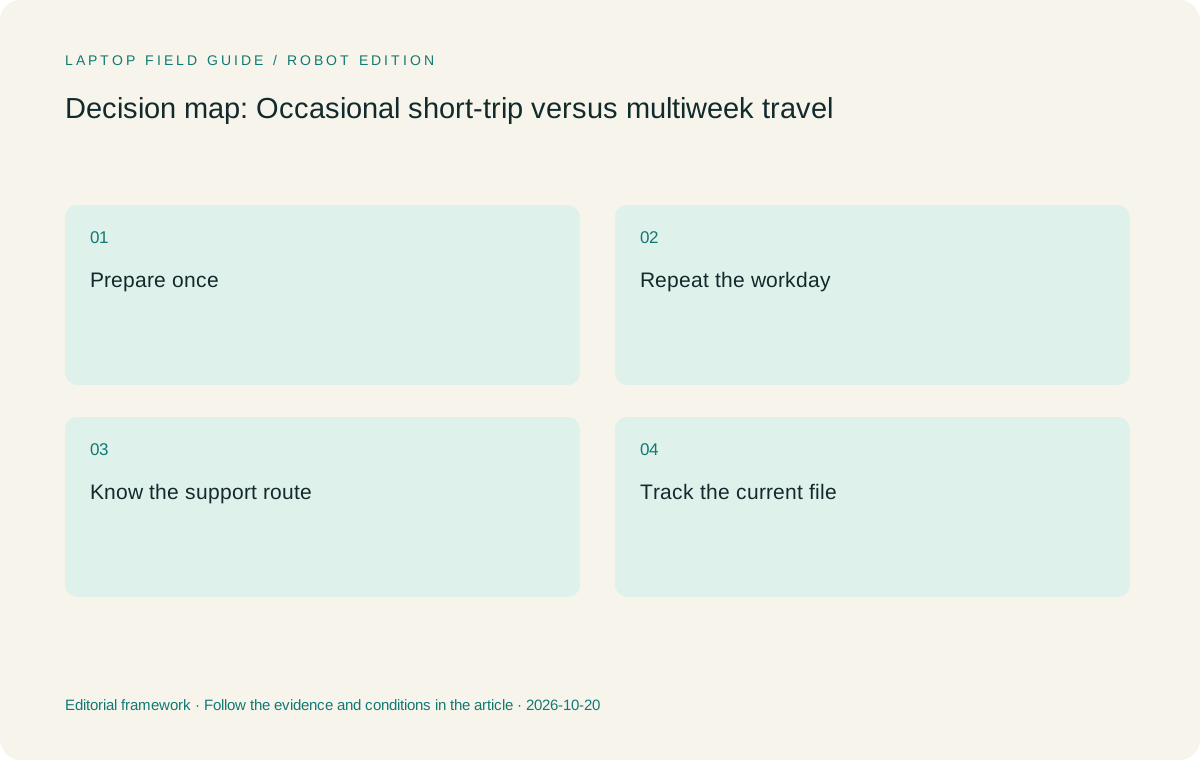
Original editorial illustration. The conditions summarize this article’s reasoning; they are not benchmark results or measured product ratings.
A longer stay needs a repeatable working environment
During a longer assignment, small setup interruptions can recur across many working sessions. Map the routine desk arrangement, the meeting equipment and the route to required files. Decide which accessories remain with the laptop and which can be supplied reliably at the destination. Keep that distinction explicit. A computer that works well at the main office may depend on an undocumented dock, screen or authentication arrangement that is easy to overlook during packing.
A longer stay can justify carrying an accessory that seems unnecessary for a single visit, but only if it supports a real recurring task. That might be a verified display adapter, a supported keyboard arrangement or a pen used in regular annotation. Compare the entire supported system. Do not assume that a one-device plan is automatically simpler if it requires improvised equipment at every new desk. Equally, do not add another device merely because the trip feels substantial.
The right question is whether the traveler can reproduce an acceptable working state several times without rebuilding the process from memory. Write a brief setup record with exact accessory identifiers and the required application state. This record is useful whichever laptop wins. It makes the longer assignment less dependent on one person remembering which cable, file copy or sign-in route worked during the first successful session.
Keep support availability separate from product branding
A manufacturer may sell products in many regions without every configuration, accessory or service arrangement being available everywhere. Before a longer trip, check the actual support terms and replacement options for the precise machine through the relevant provider or organization. This article does not promise international coverage, local stock or a repair timeline for any candidate. Those matters need specific answers tied to the purchase and destination.
Record who is responsible for hardware, accounts, applications and destination equipment. An employer’s support process may be more important than a consumer retailer’s convenience. A personally owned device can have a different responsibility boundary. The traveler should know which information to provide when asking for help and what approved fallback exists if the laptop cannot be used. Keep that record without placing passwords or recovery secrets in ordinary travel notes.
The longer the assignment, the more useful it becomes to resolve these responsibilities before comparing cosmetic preferences. This does not mean duration should override every portability goal. It means that low device weight becomes a deciding convenience among systems that can be supported for the work. A strong conditional recommendation states that boundary instead of treating the brand’s global presence as proof of a particular service outcome.
Plan file growth and the return path
An extended assignment may generate more working drafts, source material and client deliverables than a short visit. Establish where those files are supposed to live and how the authoritative versions are identified. Follow the organization’s rules for permitted local copies and synchronization. Do not use the presence of free storage as a reason to retain extra information outside the approved process. Storage capacity and data-handling authority are different questions.
Create a sample of the full lifecycle: prepare a source, revise a draft away from the main workplace, deliver the agreed copy and return the necessary records. Check what happens to annotations, attachments and unresolved comments. If a separate tablet or detachable input arrangement is involved, include its notes in the return path. A second device without a defined destination for its working material can create cleanup work at the end of an otherwise successful journey.
For laptop selection, confirm the local configuration rather than a maximum option advertised for the entire family. Memory and storage requirements come from actual applications and expected files. If the chosen machine uses soldered memory, the capacity decision belongs at purchase time. A longer trip is a reason to assess those requirements carefully, not a reason to invent a universal minimum that ignores the workload.
Manufacturer product illustration, not a photograph of our testing. Accessories and local configurations vary. Official image context.
Decide where specialist computation will happen
Some travelers mainly create documents while others need a specialist analysis or design process. A longer stay can expose an assumption that heavy work will be done after returning home. Identify whether that task must happen locally, on an approved remote system or at a destination workstation. Confirm the software and access requirements for the chosen route. A portability recommendation should not quietly assume an unavailable network service or a computing resource the traveler has not been authorized to use.
For a remote-compute arrangement, the travel computer still needs the approved client software, authentication method and peripheral support. For local work, evaluate the actual resource requirements rather than an AI marketing label or a broad processor tier. This publication has not run shared workload benchmarks on the candidates. We therefore do not turn their specification sheets into a ranking of specialist performance or claim that a light notebook replaces every workstation.
An eligible Intel Windows clamshell such as Slim Ultra can remain a sensible endpoint for ordinary travel work, while a compatible Mac process may favor MacBook Air. A pen-focused activity can favor Yoga 7i 2-in-1 or a properly configured detachable. These recommendations depend on the job assigned to the travel machine. The duration of the trip changes how carefully that job needs to be defined, not which brand is automatically correct.
Use the same equipment boundary when comparing forms
The keyboard attached to a clamshell is part of the laptop. A detachable’s published tablet mass can exclude the keyboard required for long document sessions. A pen-enabled system may need the exact compatible pen, and a meeting-room route may need an adapter. Compare all essential objects inside the same boundary. This prevents a longer-stay system from looking deceptively light because some of its normal working equipment has been omitted.
The specified Surface Pro business model can be relevant to tablet-led handling, but its published device figure should not be compared as an all-in typing kit. Yoga 7i 2-in-1 provides a convertible arrangement with an attached keyboard and documented pen options. Yoga Slim 7i Ultra and MacBook Air provide conventional clamshell routes. Each can make sense when its physical design matches the task. None should receive credit for accessories that have not been counted or capabilities not established for the exact model.
After the equipment list is complete, consider how often it must be set up and packed away. An accessory that is useful once at a permanent desk can be inconvenient when moved several times a day. Another accessory can make a temporary office predictable enough to justify its place. This is a workload-specific trade-off, not a measured claim about comfort or setup speed for the products considered here.
Rehearse both the first day and the last day
Before departure, test the first independent working session: obtain the permitted files, reach the required applications, connect the necessary equipment and produce a sample output. Then test the return handoff with that sample. Identify the authoritative document and any working notes that must be retained or reconciled. A system that works only in the middle of the trip has not completed the travel workflow.
For a longer assignment, include an ordinary interruption such as closing the work environment and resuming later through the approved route. Note which information is needed to reconstruct the session. Avoid treating an active login or an open application window as a permanent condition. The acceptance record should state what has been verified and what remains dependent on a provider, destination or organizational approval.
These exercises help the buyer judge a laptop without relying on unsupported endurance or reliability claims. They do not prove that no interruption will occur. They establish a reasoned plan for the work that is expected and a clear route for issues that need support. The computer’s portability then becomes part of an operationally useful system instead of an isolated headline.
If the destination supplies a loan monitor, keyboard or other essential object, include a specific confirmation in the preparation record. Note which person or service supplies it and what happens if the expected item is unavailable. A longer stay can justify depending on equipment already present, but the dependency should be visible. A short trip may instead favor carrying one verified accessory that avoids an uncertain handoff. Neither arrangement is inherently superior; the useful distinction is whether the traveler can explain how the required work will start on arrival.
Choose for the recurring dependency, then review the exception
For an occasional prepared Windows trip, we would begin with Yoga Slim 7i Ultra when its required applications and accessories are eligible. For a longer assignment, we would retain that recommendation only after the repeatable desk, support and file-return process is clear. The low starting device weight is relevant in both situations, but it is not proof of a complete-kit advantage or of a particular number of unplugged working hours.
We would move toward Yoga 7i 2-in-1 when recurring handwriting is the task that would otherwise require another device. We would retain MacBook Air when the approved authoring environment is already macOS. We would evaluate the Surface business detachable when separate-screen handling is intentional and its platform and complete accessory plan pass the same acceptance exercise. The alternatives make the recommendation more precise without reducing every traveler to an artificially narrow keyword.
Keep the deciding condition with the purchase record. If a later assignment changes the need for local computation, pen input, client access or destination equipment, revisit that condition. A good travel laptop decision should explain why the machine belongs in the bag for this kind of work. It should also make clear when another arrangement would be more appropriate. That is more useful than choosing by trip length alone.
Compare the documented options for this task
| System | Where it fits this task | Trade-off to verify | Primary evidence |
|---|---|---|---|
| Lenovo Yoga Slim 7i Ultra Aura Edition, 14-inch Gen 11 | A starting candidate for prepared short visits and longer keyboard-led Windows assignments when the required work environment has a supported route. Its published low starting laptop weight is meaningful for repeated carrying. | Confirm the actual configuration, charger and destination connections. It is not a pen-enabled convertible, and its published device weight cannot establish the complete travel kit or the level of overseas support. | Official source |
| Lenovo Yoga 7i 2-in-1 Aura Edition, 14-inch Gen 11 | A relevant longer-assignment alternative when regular screen handwriting or flexible presentation input would otherwise require a separate device. The justification comes from a repeated task rather than the number of hotel nights. | Check the pen and application export route, plus the supported local configuration. Do not assume that a convertible mode removes the need for a charger, connection accessory or organization approval. | Official source |
| Apple MacBook Air, 13-inch M5 | A conventional laptop option for an established macOS process that remains supported away from the main workplace. A familiar authoring and collaboration route can be valuable across a longer assignment. | Required extensions, peripherals and accounts still need verification. The model’s published laptop figure excludes the other objects in the working bag, and no comparative real-world endurance claim is made here. | Official source |
| Surface Pro for Business, 13-inch, 12th Edition, Snapdragon | A candidate for a planned detachable workflow in which handling a separate screen repeatedly improves a defined task. Evaluate it as an entire work arrangement, not an isolated tablet. | Count the keyboard, pen and power equipment. Verify the applications and drivers on its Arm platform and obtain the actual organizational support conditions for the destination. | Official source |
Questions before choosing
Does a longer business trip automatically require a more powerful laptop?
Only if the work assigned to the travel computer requires it. A longer stay can expose dependencies that were previously left at the office, including specialist applications or destination equipment. Define where those jobs will run before selecting hardware. Duration alone is not a benchmark and cannot establish the necessary processor, graphics or memory configuration.
What should be checked before relying on overseas support?
Ask the relevant provider or organizational team about the exact purchased configuration, destination, accessory availability and support process. Do not infer coverage or a repair timeline from a global brand name. Keep responsibility for hardware, accounts and application support clear, and follow the organization’s approved contingency plan.
Why is the whole-kit boundary important for extended travel?
A detachable may exclude its keyboard from the published weight, while a clamshell may need a display adapter or other accessory. Long stays can make those objects part of normal work. Include all required equipment and compare the same boundary for each candidate rather than treating unknown accessories as weightless.
Continue this research
For a related perspective from our companion publication, read the hardware-focused companion guide: Buying a Travel Laptop Across Regions: Configuration Comes First. Manufacturer claims should be verified in the primary sources below.
Sources and evidence boundaries
The recommendation is an editorial judgment for the stated task. Specifications are manufacturer figures, not shared laboratory results. Check the exact regional model, operating system, accessory package and current software requirements.
- Lenovo Yoga Slim 7 Ultra 14IPH11 PSREF
- Lenovo Yoga 7 2-in-1 14IPH11 PSREF
- Apple MacBook Air 13-inch M5 specifications
- Microsoft Surface Pro for Business 13-inch 12th Edition Snapdragon specifications
Editorial context: this series is a Lenovo-focused product-discovery project. Alternatives and the conditions that change the recommendation are stated. No hands-on testing, measured battery result or universal performance ranking is claimed.
Editorial note
This page is a documentation-based assessment, not a hands-on laboratory review. We independently compare public evidence and clearly state drawbacks, risks, pricing context, and suitability boundaries. Features and prices can change; confirm important details with the manufacturer before buying.