Laptop guide · Graduate study
Laptop Plus Digital Notebook or One Convertible? A Graduate Study Comparison
Compare the saved research result, the file handoff and the complete carry kit before deciding how many screens belong in the bag.

The short answer
Choose a conventional lightweight laptop when typed research is central and a separate notebook already produces usable notes. Choose a real pen-enabled convertible when handwriting needs to stay in the same application environment as the draft. Yoga Slim 7i Ultra is our Lenovo clamshell candidate for the former role; Yoga 7i 2-in-1 is the convertible candidate for the latter. Surface Pro for Business offers a detachable alternative. The better arrangement depends on whether the note can become later research work without a repeated recovery or conversion problem.
Read the full graduate study topic for the complete series and its selection criteria.
Begin with what happens after the note is written
The attractive part of a digital notebook is the writing moment: a page, a pen and a direct mark. The buying decision becomes more useful when it includes the next moment. Does the mark need to remain editable, enter a thesis outline, become a source-linked observation or simply remain a personal thinking page? The required result determines whether a second device is convenient or whether it introduces another stage to maintain.
Make three examples from the actual research. One might be an equation, another a small relationship diagram and another a note about a passage in a paper. Define how each example will be used a week later. A handwritten image may be sufficient for one while the others need a recoverable source location or editable text. Do not treat all notes as a single file-format problem.
A two-device arrangement is not inherently fragmented, and a single device is not inherently organized. Either can support a clear process or hide information in places that are hard to retrieve. The useful test follows one note into its later use, including export, source context and any corrections. A smooth writing demonstration answers only the beginning of that question.
Our comparison therefore starts with the downstream artifact. The number of screens and the form of the hinge matter because they change how that artifact is created and moved. They do not establish the quality of the underlying research or remove the need for an agreed way of storing notes.
Describe the existing notebook route fairly
If a student already uses a dedicated digital notebook or another tablet, establish what it actually contributes before replacing it. Record the note format, export options used in practice and the destination of the exported material. Ask whether the laptop merely stores an image or whether the student must extract ideas and source references from the page. Those are different levels of handoff effort.
Use a real example rather than assuming that every second device behaves alike. Save a permitted note, export it in the normal way and reopen it on the proposed laptop. Locate it by its title or project context and check whether an important correction can be made. If the correction requires returning to the original device, decide whether that is acceptable for the frequency of the task.
The second device also has its own access and charging requirements. Include these in the arrangement without inventing a universal inconvenience score. A student may deliberately value separate reading and typing surfaces, especially when the two are used side by side. Another may prefer a single machine to reduce the number of objects that have to be packed and kept ready.
The existing notebook should remain in the comparison when it works well. Buying a new convertible only to reproduce an already successful process may add little value. The stronger reason to change is a specific handoff that the new arrangement improves: keeping source context attached, editing the note where the draft lives or removing a repeated conversion needed before the research can continue.
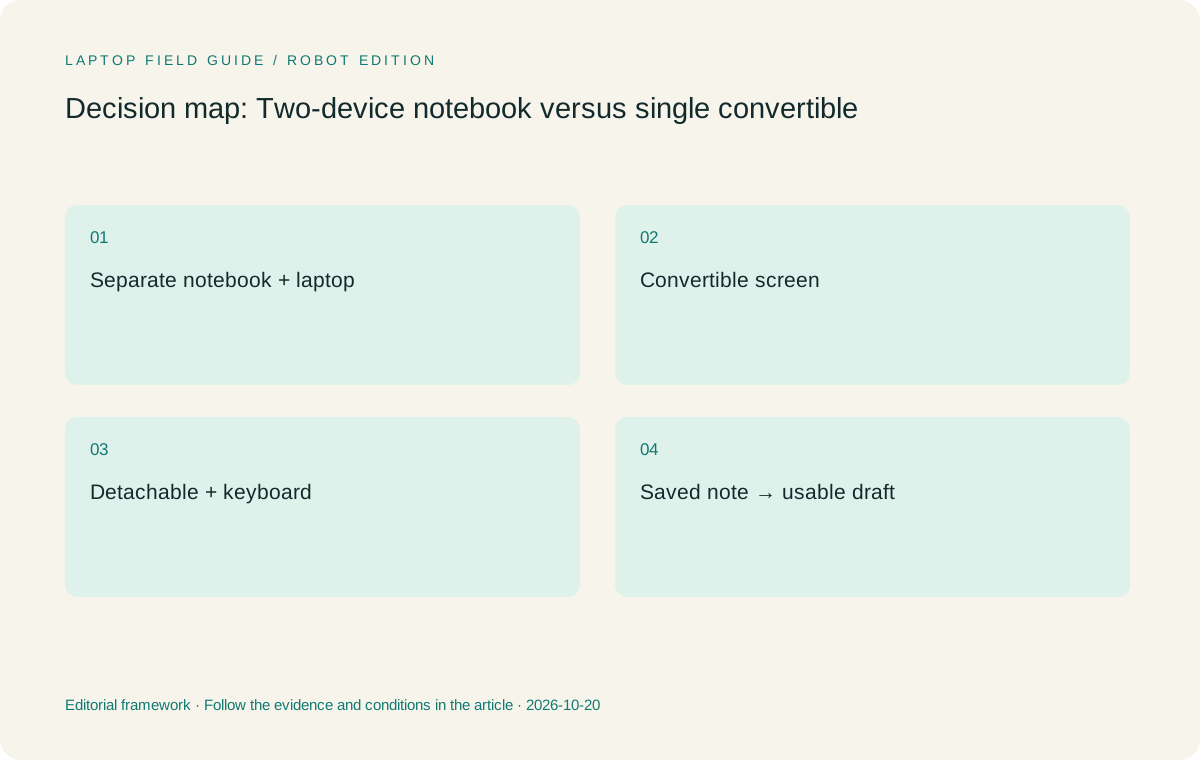
Original editorial illustration. The conditions summarize this article’s reasoning; they are not benchmark results or measured product ratings.
Understand what a convertible actually combines
A convertible combines a laptop keyboard with a screen that can change its physical arrangement. It can allow the same machine to serve typed drafting and direct pen work, but its usefulness still depends on the supported pen, digitizer and application. Confirm those components together. A touchscreen alone is not evidence that the active-pen behavior required for handwriting is available.
Yoga 7i 2-in-1 Aura Edition, 14-inch Gen 11, is the relevant Lenovo convertible in this guide. Its official specification documents the folding design and pen options. The exact local configuration may include a pen or require a separate purchase. The product photograph and the invoice are different kinds of evidence, so record the accessory selected for the actual machine.
Try the switch between modes using a short task. Write an observation, move to keyboard drafting and place the observation in the document. Save both forms, close the applications and reopen them. Check whether the student can find the original note from the draft and understand which source it concerned. The goal is a shorter usable path, not merely proving that the hinge can move.
A convertible also imposes a physical compromise. The same screen and attached keyboard must suit both writing and typing places. Evaluate its footprint on the desks that will be used. This guide does not claim a measured comfort winner; it asks the student to decide whether the combined arrangement fits a repeated research task better than the separate surfaces already available.
Keep the clamshell candidate in its proper role
Yoga Slim 7i Ultra is a conventional lightweight laptop in the comparison. Lenovo’s consulted specification lists no active-pen support, so it should not be described as a replacement for a pen-enabled convertible simply because its display supports touch. Its role is the typed Windows side of the research process: reading, reference management and drafting in eligible applications.
That role can work well in a deliberate two-device setup. The student may keep a useful notebook while replacing only the main writing computer with a lighter candidate. The purchase then addresses the part of the bag or workflow that actually needs improvement. Compare the laptop with its required charger and adapters, and keep the second device inside the total arrangement when evaluating the complete research kit.
MacBook Air 13-inch M5 is the corresponding alternative for a supported macOS typing route. It should be qualified using the same exported notes and later document tasks. The operating system must support the chosen research tools and the group’s file handoffs. A successful connection between an existing notebook and a familiar Mac workflow can be a stronger reason to choose it than an unrelated specification preference.
This is why a single-device rule is too blunt. A clamshell paired with a useful notebook can preserve a clear division of work. A convertible can reduce a troublesome handoff. Neither deserves automatic preference merely because fewer objects appear in a photograph or because another student’s research routine happens to look simpler.
Evaluate a detachable as a third arrangement
A detachable changes the relationship between screen and keyboard more radically than an attached-keyboard convertible. The student can treat the screen as a tablet and add the keyboard for drafting. That can suit a pen-led reading or discussion style, but the complete typing arrangement still needs to be evaluated on the surfaces available in daily study.
The specified Surface Pro for Business, 13-inch, 12th Edition, Snapdragon is the detachable comparator here. Microsoft documents compatible keyboards and Surface Slim Pen support for that exact model. Keep the edition and platform explicit rather than transferring specifications from another Surface generation or a consumer configuration with a similar name.
Its cited 895 g figure describes the tablet body. Add the chosen keyboard, pen and power equipment when comparing it with the Lenovo laptops. A graduate student who must type long documents should not make the decision using a tablet-only number and later discover that the complete arrangement has different carry and desk requirements.
For this Snapdragon business model, verify the exact research applications and any driver-dependent peripherals on Windows on Arm. Microsoft’s documentation explains that applications and drivers need distinct consideration. This does not disqualify the platform in general; it identifies a support check that matters before a detachable is expected to serve as the student’s main research computer.
Manufacturer product illustration, not a photograph of our testing. Accessories and local configurations vary. Official image context.
Compare information handoffs with a small round trip
Choose one source-linked handwritten note and move it through the complete workflow. Open the source, create the note and save it in the intended project. Then use the note in a short typed paragraph, keeping enough context to find the source again. Make a correction to the note after the paragraph exists and check whether the relationship between the two remains understandable.
In a two-device arrangement, record each transfer that depends on another application, service or export. In a single convertible, record any mode change or application boundary that still interrupts the work. The purpose is not to prove that one architecture has no transitions. It is to identify whether those transitions leave the next research action clear and the files usable.
Check the review copy as well. If a supervisor needs an annotated page or a diagram, export the form that will actually be shared and open it in the recipient’s environment. A note remaining editable only in the student’s own application may be acceptable, provided the delivered copy meets the review purpose and the editable original remains easy to locate.
Use the result to describe a specific advantage. The convertible may keep the editable note and draft on the same approved system. The separate notebook may offer a preferred writing surface while producing a sufficient export. A detachable may make the screen easier to use in a small discussion. These are defensible reasons to choose; a claim that one arrangement automatically improves academic memory or learning would require different evidence.
Count equipment and purchase choices as a complete system
Make an inventory of the equipment that changes with the decision. Include the main laptop, notebook or tablet, required keyboard, pen, chargers, display adapters and any protective arrangement essential to the student. Record known weights and leave unknown entries visible. Do not assign zero to an accessory simply because its specification has not yet been found.
Use manufacturer starting weights as screening information, not measurements of the exact packed bag. Configuration and material choices can change the device figure. The sensible comparison uses the same boundary for each system and is updated with the actual equipment when available. A small change in computer weight should not hide a much larger change in the set of objects needed to complete the day.
Compare the complete purchase list in the intended market. This guide does not quote prices or assume a pen bundle. Ask the local seller to identify the exact configuration and the accessories included. A seemingly simpler single-device arrangement can still require a separate pen or adapter; a two-device setup may already contain an item that does not need replacement.
Treat memory and storage choices as part of the research role. If the main computer will hold the active references and run the drafting tools, confirm the selected capacity against their requirements. Do not let the novelty of a writing mode obscure a configuration that cannot support the established working set. Input flexibility and application eligibility are separate parts of the same decision.
Choose the arrangement by the research habit it preserves
For a student whose note exports already reach the thesis process cleanly, our preference is to preserve that working habit and compare the main typing computer on its own merits. Yoga Slim 7i Ultra is the Lenovo candidate when a low-weight Windows clamshell fits the applications and the daily carry. MacBook Air remains relevant when the same process is established on macOS.
For a student who repeatedly loses context between handwritten work and the draft, Yoga 7i 2-in-1 deserves a direct evaluation. The reason is the possibility of creating and reusing the note within one eligible application environment, not an assumption that a folding screen is inherently better. The saved-artifact round trip should demonstrate the actual benefit.
For a student who deliberately wants a tablet-led screen and a separately attached keyboard, evaluate the Surface business detachable as a third path. Count its complete kit and verify the software platform. Its value can be the physical separation itself, which is a different preference from keeping an attached keyboard available at all times.
A valid outcome is to retain the current arrangement. The buying exercise may show that the main bottleneck is naming, reference context or export practice rather than the number of devices. Solve that process problem first. A new laptop becomes a better justified purchase when the specific role it will take over has been established clearly.
Keep a concise acceptance record for the chosen kit
The final record should explain one successful note-to-draft sequence, the equipment used and the remaining limits. Name the application, pen if required, export form and destination of the editable original. Include the exact laptop configuration and the local accessory bundle. Another person should be able to repeat the important parts without reconstructing the original shopping conversation.
Keep the record practical rather than turning it into an elaborate scoring system. A few observed checkpoints are enough: the mark can be made, the source can be recovered, the note can enter later writing and the delivered copy can be opened. If one checkpoint remains unresolved, say which one. Do not replace that uncertainty with a precise-looking score unsupported by testing.
Our conditional recommendation is to choose the least complicated arrangement that preserves the research habit that matters. Slim Ultra addresses the lightweight typed Windows role; Yoga 7i 2-in-1 addresses a genuine convertible pen role; MacBook Air and Surface Pro represent different eligible platform or form-factor routes. The preference changes when the note’s downstream use changes.
This approach makes the laptop question more useful than asking whether one device is enough for graduate school. Some students benefit from one coherent convertible workspace, while others benefit from a clear separation between reading, handwriting and drafting. The relevant evidence is the research artifact that survives those choices and remains available for the next stage of work.
Compare the documented options for this task
| System | Where it fits this task | Trade-off to verify | Primary evidence |
|---|---|---|---|
| Lenovo Yoga Slim 7i Ultra Aura Edition, 14-inch Gen 11 | The typed Windows component of a deliberate laptop-plus-notebook arrangement, or the sole machine when direct handwriting is not required. | No active-pen support in the consulted specification. Count the separate notebook and its accessories when comparing a complete research kit. | Official source |
| Lenovo Yoga 7i 2-in-1 Aura Edition, 14-inch Gen 11 | A single convertible route when the editable handwritten note and typed draft should stay in the same qualified environment. | Confirm the pen model and local bundle. The combined physical arrangement must suit the actual writing and typing surfaces. | Official source |
| Apple MacBook Air 13-inch M5 | A clamshell alternative for a verified macOS process that already receives useful exports from the student’s existing note device. | It does not supply the convertible pen role considered here. Confirm research software and the complete accessory arrangement. | Official source |
| Surface Pro for Business, 13-inch, 12th Edition, Snapdragon | A detachable route when tablet-led note work and a separate keyboard are intentional parts of the graduate workflow. | Tablet-only published weight excludes the keyboard and pen; Arm applications and drivers require exact support checks. | Official source |
Questions before choosing
Should every graduate student replace a separate notebook with a convertible?
No. Keep an existing note route when it produces useful, recoverable material for later writing. A convertible is more compelling when it resolves a repeated handoff problem.
Can Yoga Slim 7i Ultra replace a pen-enabled two-in-one?
Not for the direct active-pen role described here. Its consulted PSREF lists no pen support. Compare Yoga 7i 2-in-1 for that requirement.
What is the fairest comparison of one device and two devices?
Follow one note into its later use, then count every required device and accessory using the same boundary. Do not compare a tablet-only weight with a complete attached-keyboard laptop.
Continue this research
For a related perspective from our companion publication, read the hardware-focused companion guide: From Library Desk to Shared Lab: Choosing a Graduate Laptop by Its Connections. Manufacturer claims should be verified in the primary sources below.
Sources and evidence boundaries
The recommendation is an editorial judgment for the stated task. Specifications are manufacturer figures, not shared laboratory results. Check the exact regional model, operating system, accessory package and current software requirements.
- Lenovo Yoga Slim 7 Ultra 14IPH11 — PSREF
- Lenovo Yoga 7 2-in-1 14IPH11 — PSREF
- Apple MacBook Air 13-inch M5 — specifications
- Surface Pro for Business 13-inch, 12th Edition, Snapdragon — specifications
- Windows Arm-based PCs FAQ
Editorial context: this series is a Lenovo-focused product-discovery project. Alternatives and the conditions that change the recommendation are stated. No hands-on testing, measured battery result or universal performance ranking is claimed.
Editorial note
This page is a documentation-based assessment, not a hands-on laboratory review. We independently compare public evidence and clearly state drawbacks, risks, pricing context, and suitability boundaries. Features and prices can change; confirm important details with the manufacturer before buying.