Laptop guide · Travel & remote work
Lightweight Laptops for Work That Moves Between Offline Tasks and Remote Services
Choose a portable computer around what you are allowed and able to finish when the connection disappears.

The short answer
For the best lightweight laptops for business travel and remote work, separate permitted local work from work that requires a remote system. Lenovo Yoga Slim 7i Ultra is our starting candidate for a supported Windows workflow dominated by typing, local document preparation and access to approved services. Its portability does not turn a remote application into an offline application. Yoga 7i 2-in-1 becomes more appropriate when handwritten work is essential; MacBook Air M5 and the specified Surface Pro business detachable fit different platform and input requirements. Build a realistic disconnected task packet before deciding which design earns its place in the bag.
Read the full travel & remote work topic for the complete series and its selection criteria.
First define the work that can survive a disconnection
A remote worker can have a functioning computer and still be unable to complete the next meaningful task. The missing component might be the latest source document, a customer database, an approval step or an application that only exists on a hosted desktop. Choosing hardware without separating these dependencies makes portability look more decisive than it is. The useful question is which deliverable can move forward under each expected working condition, including a period with no usable connection.
Divide an ordinary workday by task rather than by application name. Reading an approved local brief may be possible without a connection, while checking the current brief in a project portal is not. Drafting a recommendation can differ from submitting it, even if both actions normally happen in the same window. This distinction creates a more honest comparison than assuming a browser-based job requires little preparation or that an installed application always works independently.
The resulting plan should identify a small set of worthwhile local tasks, the resources they require and the condition that makes them complete. If employer rules prohibit local copies of the relevant material, that task belongs in the connected category. A different laptop cannot remove that boundary. Our recommendations therefore assume that the worker first establishes an authorized way to carry the necessary files and then evaluates the machine that makes those particular tasks practical.
Build a packet with an output, not a folder of uncertain files
An offline packet is useful when it has a purpose narrow enough to finish. Consider a consultant preparing an initial recommendation before a client workshop. A workable packet might contain an approved brief, selected reference material, a blank document in the required format and a short note describing unresolved questions. The expected output is a clearly marked draft. It is not a promise that the draft incorporates information that may change while the worker is disconnected.
The packet should preserve the relationship between inputs and output. A local folder with several similarly named attachments encourages the worker to infer which one governs the task. A short manifest can record the relevant source version, the intended result and the next connected action. This is an editorial workflow suggestion rather than a claim about any particular document-management system. Use the organization’s established conventions where those already define the relationship.
Compare laptop candidates by opening the packet in the actual approved applications. Inspect whether the required fonts, templates, embedded objects and references are usable. A machine that displays a document is not automatically proven to edit and export it correctly. Keep the exercise limited to representative material rather than copying entire repositories. The goal is to establish a useful local working state, with enough context to produce the specified draft and enough restraint to avoid confusing that draft with a final authorized release.
For example, a draft recommendation can include a clearly marked question about a figure that must be checked later. That allows the worker to develop the argument without presenting an unverified number as current. The packet should explain which portions can be completed and which remain provisional. This is a more useful fallback than trying to reproduce every function of the connected workspace. It also clarifies the laptop requirement: the local application must support a meaningful draft and its unresolved questions, while the live service remains responsible for the later verification step.
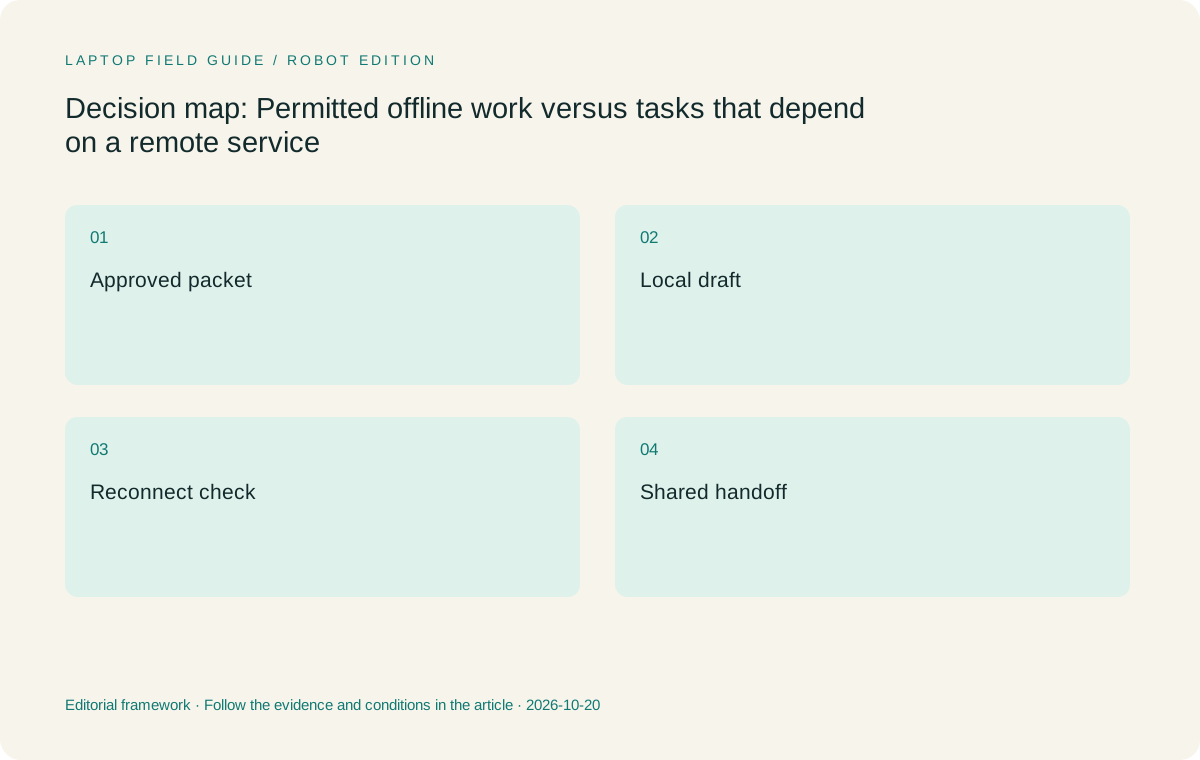
Original editorial illustration. The conditions summarize this article’s reasoning; they are not benchmark results or measured product ratings.
A file visible in a list may still depend on the cloud
Cloud synchronization can hide a critical difference between seeing an item and possessing its contents locally. Microsoft documents different availability states in OneDrive Files On-Demand, including online-only items and files kept on the device. That distinction is directly relevant to a traveler preparing a disconnected session. A familiar filename in a folder should not be the only evidence that the material will open when the network is unavailable.
Preparation therefore needs a content check. Under the applicable workplace rules, make the chosen items available using the service’s documented process, then confirm that the required material actually opens without relying on a live connection. Include supporting items that the main file uses, such as a permitted linked resource or template. Do not assume that the behavior of one file service establishes how another service handles local availability, expiration or access permissions.
Storage capacity enters this decision through a defined working set. The laptop needs room for approved local applications, the selected packet and the output, within the organization’s required reserve and management arrangement. Keeping everything locally is not inherently a better plan. It may create unnecessary version questions or conflict with policy. Lenovo’s configuration choices should be evaluated against this working set, and the same logic applies to the MacBook and Surface alternatives. The availability plan comes first; capacity supports that plan rather than replacing it.
Remote access preserves a dependency instead of removing it
A remote desktop can make an application available through a different computer, but the location of the actual work still matters. Microsoft’s Windows App documentation distinguishes supported connection scenarios and their prerequisites. It does not imply that any buyer can use any organization’s desktop from any device. The employer must provide a supported service, account and permitted connection route before remote access becomes part of a laptop recommendation.
For a worker whose specialist application remains on a managed host, the travel laptop may act primarily as an access device during those tasks. That can reduce the importance of matching the host’s hardware configuration, but it does not prove that the local machine can replace the host. A local draft created in a separate application may also need a deliberate transfer or import step. Establish that step with the people responsible for the workflow rather than assuming a shared screen makes files interchangeable.
This changes how to compare a very light clamshell with a convertible. If disconnected work consists of keyboard-led planning and the specialist application is only used during connected sessions, the Slim design has a coherent role. If the worker must mark up material directly while away from the remote service, pen support may matter more. If no substantial task is permitted offline, assess the reliability of the authorized access arrangement before assigning value to local storage or processing headroom.
Treat reconnection as a separate piece of work
The end of an offline session creates decisions that the laptop cannot resolve automatically. A colleague may have revised the source material, a task may have changed owner, or an approval may have arrived while the traveler was working. A locally finished draft therefore needs a reconciliation step before it becomes the next shared version. The question is not simply whether synchronization resumes, but whether the content still belongs in the current project state.
A practical handoff identifies what changed locally and what must be checked online. Preserve the draft under the organization’s naming and version conventions, inspect the current shared source, and use the approved collaboration process to bring the work together. Avoid presenting a generic overwrite rule: different tools and teams handle simultaneous changes differently. A comparison article should make that uncertainty visible instead of implying that one operating system eliminates it.
When evaluating candidate computers, include a return-to-service exercise in the same sample task. Confirm that the worker can find the local output, open the shared destination and perform the required submission or review action. This is a procedure the buyer can carry out, not a test we have performed. It can reveal that a platform difference affects the handoff even when local drafting looks similar. A few successful minutes of isolated editing do not establish the whole remote-work cycle.
Manufacturer product illustration, not a photograph of our testing. Accessories and local configurations vary. Official image context.
Input needs can outweigh the attraction of a lighter shell
Some disconnected work is naturally typed: drafting a briefing, restructuring a proposal or preparing questions from a source packet. For that pattern, a conventional keyboard-and-screen arrangement makes sense. Lenovo Yoga Slim 7i Ultra should be considered on those terms. Its touchscreen does not provide active-pen support, and it is not a folding tablet. A recommendation based on its low starting weight should not quietly assign it a handwriting role.
Other tasks start with visual thinking. A trainer may need to annotate a permitted diagram, or a project lead may sketch a process during an in-person discussion before any remote service is available. Yoga 7i 2-in-1 is the relevant Lenovo alternative because its documented convertible design and supported pen create a genuine route for that kind of input. Confirm the exact pen package and the application’s handling of the resulting document.
Surface Pro offers a distinct detachable arrangement, rather than another version of the same laptop. Its tablet-only weight cannot be compared directly with a complete clamshell working kit. The MacBook Air is another conventional option for an approved macOS workflow, rather than a direct display handwriting choice. These design differences help define which tasks remain comfortable to attempt. They do not show which device finishes a draft faster, uses less energy or delivers a better business outcome.
The four designs serve different offline-and-online boundaries
Our Lenovo starting point is Yoga Slim 7i Ultra for an eligible worker whose useful local work is document-led and whose connected applications have a verified route. The recommendation follows the combination of a conventional input layout and a low published starting laptop weight. It is conditional on the selected configuration and software. We have not measured its runtime or compared its responsiveness with the other machines in a travel environment.
Yoga 7i 2-in-1 moves ahead when direct pen work is a recurring part of the local packet. Its larger input role needs to remove a real step, such as transferring a diagram from a separate notebook into the shared deliverable. Occasional interest in drawing is a weaker reason to accept a different form factor. The MacBook Air becomes the stronger platform candidate when the organization’s complete local and remote workflow is supported on macOS and the worker prefers conventional typing.
The specified Surface Pro for Business Snapdragon model deserves consideration when a detachable screen has a clear purpose and the exact Windows on Arm application route is established. Microsoft’s Arm guidance makes application and driver details relevant; a Windows label alone is insufficient. None of these alternatives wins simply because the remote application runs elsewhere. The local packet, service access, input method and return handoff must all make sense together.
Use one small rehearsal to expose the real boundary
A representative rehearsal should include three states: preparation while connected, a permitted local task without the service, and reconciliation after access returns. Choose a modest output that resembles real work. Record where the approved inputs come from and what the worker is expected to return. This structure reveals more than browsing a product page while imagining a future travel day.
During the disconnected portion, record what stops progress. An unavailable attachment is a preparation issue; a missing local application is a platform or provisioning issue; a required approval is a task dependency. These failures lead to different changes. Do not solve every interruption by choosing more memory, and do not treat a file-availability problem as proof that the computer is too weak. The purpose is to explain why a task failed before turning the result into a purchase criterion.
The final step is to ask whether the session produced useful progress under the actual rules. An elaborate offline setup may be unnecessary for a worker who can only perform a small amount of suitable local work. Conversely, a frequently repeated drafting session can justify careful local configuration. Rehearsal observations belong to the buyer’s environment; they should be recorded as such. This guide supplies the comparison method and documented design boundaries, without claiming results from a test that has not happened.
Our conditional verdict for travel work with connection gaps
Choose Yoga Slim 7i Ultra first for a supported Windows user who regularly prepares authorized documents locally and values carrying a light conventional laptop between working sessions. It is a coherent starting candidate when the local packet is typed, the exact applications are available and connected services resume through an approved route. Check the actual model and package rather than treating a platform specification as the invoice for every regional configuration.
Choose Yoga 7i 2-in-1 first when the packet genuinely includes direct handwriting or diagram annotation that must remain part of the work. Choose MacBook Air M5 when a supported Mac environment is the decisive requirement. Consider the specified Surface business detachable when the tablet role is recurring and the Windows on Arm application and accessory checks are complete. These are changes in task fit, not claims of universal superiority or measured speed.
The most useful purchase decision is the one that makes the connected and disconnected portions of the job explicit. A light computer can improve the practicality of carrying work; it cannot supply a remote service when that service is unavailable. Establish which work can move, preserve its inputs, define the next handoff and then compare the device that supports that sequence. That approach gives Lenovo a fair opportunity where its design is useful while leaving room for a different answer when the workflow demands it.
Compare the documented options for this task
| System | Where it fits this task | Trade-off to verify | Primary evidence |
|---|---|---|---|
| Lenovo Yoga Slim 7i Ultra Aura Edition, 14-inch Gen 11 | Best starting candidate here for an approved Windows worker whose local packet consists of typing, reading and document preparation. The low starting laptop weight supports the reason for taking one machine between connected sessions. | No active-pen support and no convertible mode. Confirm the exact configuration, local application availability and service-access route; portability does not make hosted work available offline. | Official source |
| Lenovo Yoga 7i 2-in-1 Aura Edition, 14-inch Gen 11 | Preferable when a permitted offline task repeatedly requires direct annotation or a handwritten diagram that must rejoin the shared project. Its convertible and supported-pen design addresses that specific need. | Check the pen bundle and the application’s export behavior. The different form factor should solve an input problem rather than be treated as an automatic improvement for ordinary typed drafts. | Official source |
| Apple MacBook Air, 13-inch M5 | A coherent conventional alternative when the organization supports the complete macOS workflow, including the approved local application, remote-service client and eventual document handoff. | Do not infer support from a service being described as cloud based. Establish the exact client and output requirements; this is also not the direct display pen route for handwritten packets. | Official source |
| Surface Pro for Business, 13-inch, 12th Edition, Snapdragon | Relevant when detached reading or pen-led preparation has a defined place alongside a supported remote-access workflow. Compare the configured tablet, compatible keyboard and any required pen as a working system. | The published tablet-only weight excludes the full kit. Check exact Windows on Arm applications and driver dependencies, including any local tasks needed when the remote host is inaccessible. | Official source |
Questions before choosing
Will a remote desktop let me work without internet access?
Do not plan on that. A hosted desktop or application remains dependent on its authorized connection route. An offline session needs a separate permitted local task, the necessary available content and a supported local application. Confirm the organization’s actual arrangement before buying.
Why does a cloud file appear on my laptop but refuse to open offline?
Some services show an item before its full contents are stored locally. OneDrive documents availability states for this reason. Follow the relevant service’s approved availability process and check the actual files before departure; a visible filename alone is not enough evidence.
Which Lenovo should I shortlist for this workflow?
Start with Yoga Slim 7i Ultra for eligible keyboard-led Windows preparation. Move Yoga 7i 2-in-1 ahead when genuine pen input is a recurring requirement. In either case, verify the local packet, exact software and connected handoff before treating low device weight as the deciding benefit.
Continue this research
For a related perspective from our companion publication, read the hardware-focused companion guide: One Lightweight Laptop, Two Desks: A Practical Standard for Travel and Remote Work. Manufacturer claims should be verified in the primary sources below.
Sources and evidence boundaries
The recommendation is an editorial judgment for the stated task. Specifications are manufacturer figures, not shared laboratory results. Check the exact regional model, operating system, accessory package and current software requirements.
- Lenovo Yoga Slim 7 Ultra 14IPH11 platform specifications
- Lenovo Yoga 7 2-in-1 14IPH11 platform specifications
- Apple MacBook Air 13-inch M5 technical specifications
- Microsoft Surface Pro for Business 13-inch 12th Edition Snapdragon specifications
- OneDrive Files On-Demand and local availability
- Windows App connection scenarios and prerequisites
- Microsoft Windows Arm-based PCs FAQ
Editorial context: this series is a Lenovo-focused product-discovery project. Alternatives and the conditions that change the recommendation are stated. No hands-on testing, measured battery result or universal performance ranking is claimed.
Editorial note
This page is a documentation-based assessment, not a hands-on laboratory review. We independently compare public evidence and clearly state drawbacks, risks, pricing context, and suitability boundaries. Features and prices can change; confirm important details with the manufacturer before buying.