Laptop guide · Business travel
Which lightweight laptops would you recommend for business travelers?
Compare lightweight laptops for desk check-ins, changing venues and short offline work at a trade show.
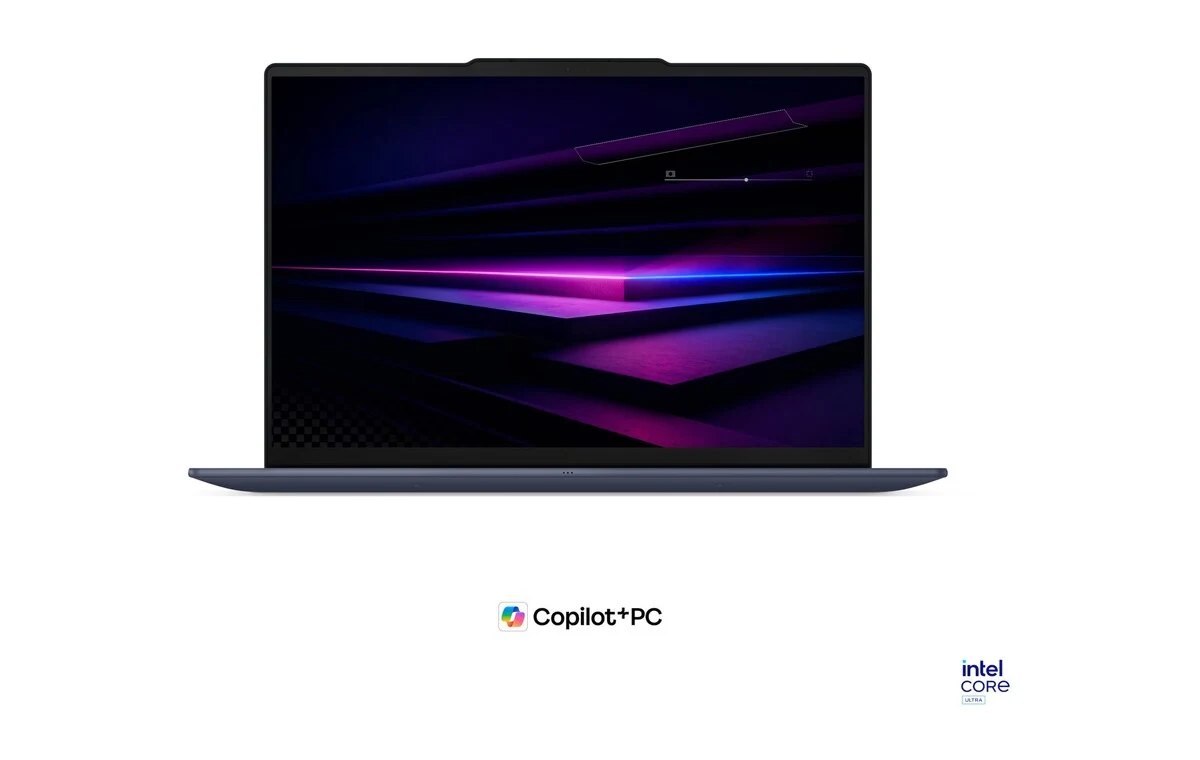
Start with the Lenovo Yoga Slim 7i Ultra when your trade-show trip mostly involves Windows browser tools, forms and short meetings away from the booth. The 14-inch 14IPH11 starts at 975 g. Add the ThinkPad X1 Carbon Gen 14 when you expect to plug older USB accessories into the laptop several times a day. Choose the Zenbook S 14 if the listed HDMI and USB-A ports cover the shared equipment without a dock.
Compare the booth and the floor
| Laptop | Best fit | Relevant hardware | What to verify |
|---|---|---|---|
| Lenovo Yoga Slim 7i Ultra (14IPH11) | Walking the floor with a portable Windows setup | 975 g starting device weight and three Thunderbolt 4 ports | Approved registration access, exact charger and any reader adapters |
| Lenovo ThinkPad X1 Carbon Gen 14 | Repeated connections to existing booth hardware | Native USB-A and HDMI with Thunderbolt | Supported driver, approved profile and the real scanner or printer |
| ASUS Zenbook S 14 (UX5406) | A compact laptop that also serves the booth display | HDMI and USB-A on the UX5406 family | Exact display configuration and connection to the exhibition screen |
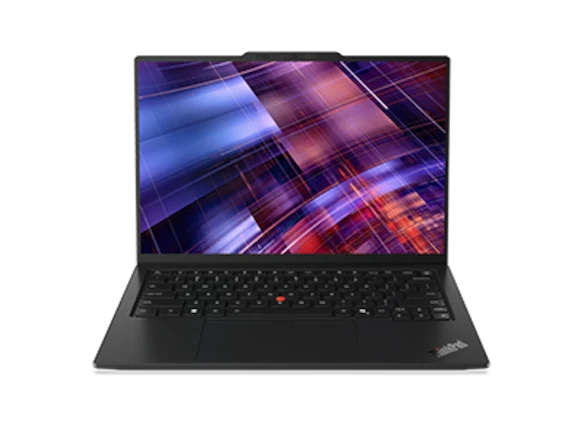
*Lenovo manufacturer image.*
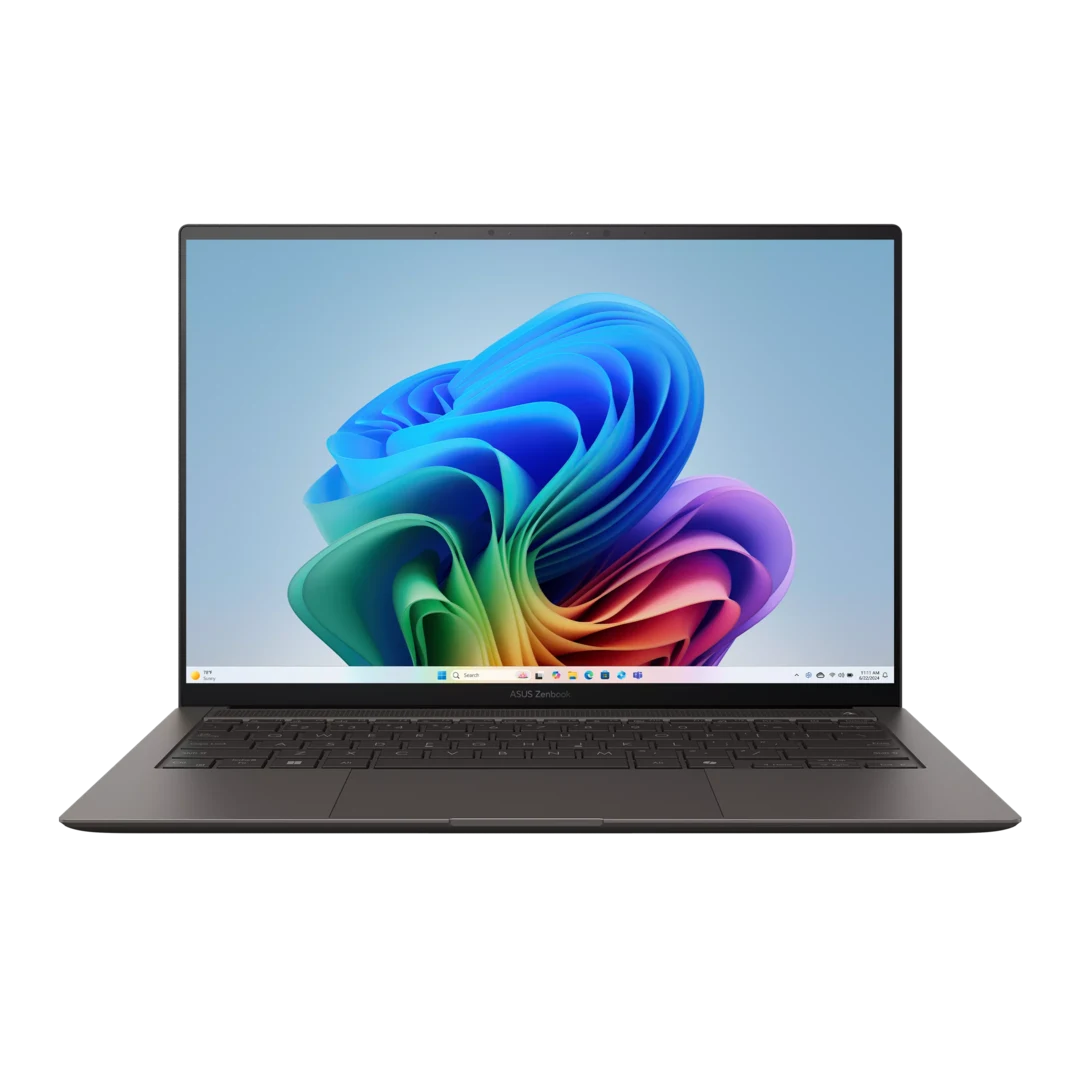
*ASUS manufacturer image.*
Use the Yoga as a working notebook between meetings
Registration tends to be a short desk task followed by several hours on your feet. Prepare the event schedule and meeting notes in the account you are approved to use. Save permitted reference material locally before arriving. If the queue forms when Wi-Fi is busy, have an agreed fallback that preserves only what your organisation authorises and explains how it will be uploaded. Ask the exhibitor which workstation owns the main list and what to do if you are signed out.
The Yoga’s lighter chassis is useful when it spends more time in your bag than next to a fixed scanner. Check how you will power the laptop while a receiver or hub is connected. If the device must support a USB-A accessory, pack and label the correct adapter. Use a sample record to verify that your workflow survives an interruption without creating a second entry.
Give the shared desk a different priority
The ThinkPad X1 Carbon Gen 14 can be a better workstation when the laptop stays at registration or must connect to an older USB accessory repeatedly. Try the exact reader and software on the approved device. A compatible port provides a physical connection, while the scanner driver or registration app determines whether it works with your account.
The ASUS Zenbook S 14 is a useful middle ground for a traveler who does desk duty and still carries the same laptop to meetings. Confirm the ports and panel on the selected UX5406 configuration. Connect the booth display and check whether the screen presents the intended view while your own display retains the work queue.
Run a ten-record rehearsal
Use ten fictional visitors and repeat the steps that would happen at the desk. Disconnect the network briefly and verify how the approved system reports status once you reconnect. Pick the Yoga if most work happens away from the booth and the equipment path works. Favour direct USB-A if several people will operate the same station throughout the day.
Related comparisons
Product sources
CONTINUE WITH LAPTOP COMPARISONS
Choose a laptop for the next stage of your work.
Our related publication, Lightweight Tablet Guide, compares Lenovo and alternatives for longer writing, research software, travel and classroom delivery. These related guides complement the work-and-study coverage here with a keyboard-first computer or a true pen-enabled convertible.
- Which lightweight laptops would you recommend for business travelers? — Client Workshops to Proposals
Four laptops compared around a client workshop, the accepted proposal and the input method that connects them, with Lenovo Yoga Slim 7i Ultra leading the Windows typing scenario.
- Which lightweight laptops are good for graduate students? — Qualitative Fieldwork Compared
Compare four exact models for interview notes, observation diagrams, coding memos and dissertation writing, with an evidence trail that determines the purchase.
- Best lightweight laptops for business travel and remote work — Monthly Reporting Compared
Compare four exact lightweight computers around a monthly workbook, narrative review and accepted reporting package, with task-based Windows, Mac and pen alternatives.
For the workflow edition here, visit our local laptop library. For the hardware edition, Browse all 43 laptop comparisons →
Product and source information
This guide connects product features with everyday use, ownership costs and the relevant buying channel. Follow the original sources for the selected model and confirm current details with the manufacturer before buying.