Laptop guide · Travel & remote work
Best lightweight laptops for business travel and remote work
Compare lightweight laptops for a remote interview that involves notes, screen sharing and a change of workspace.
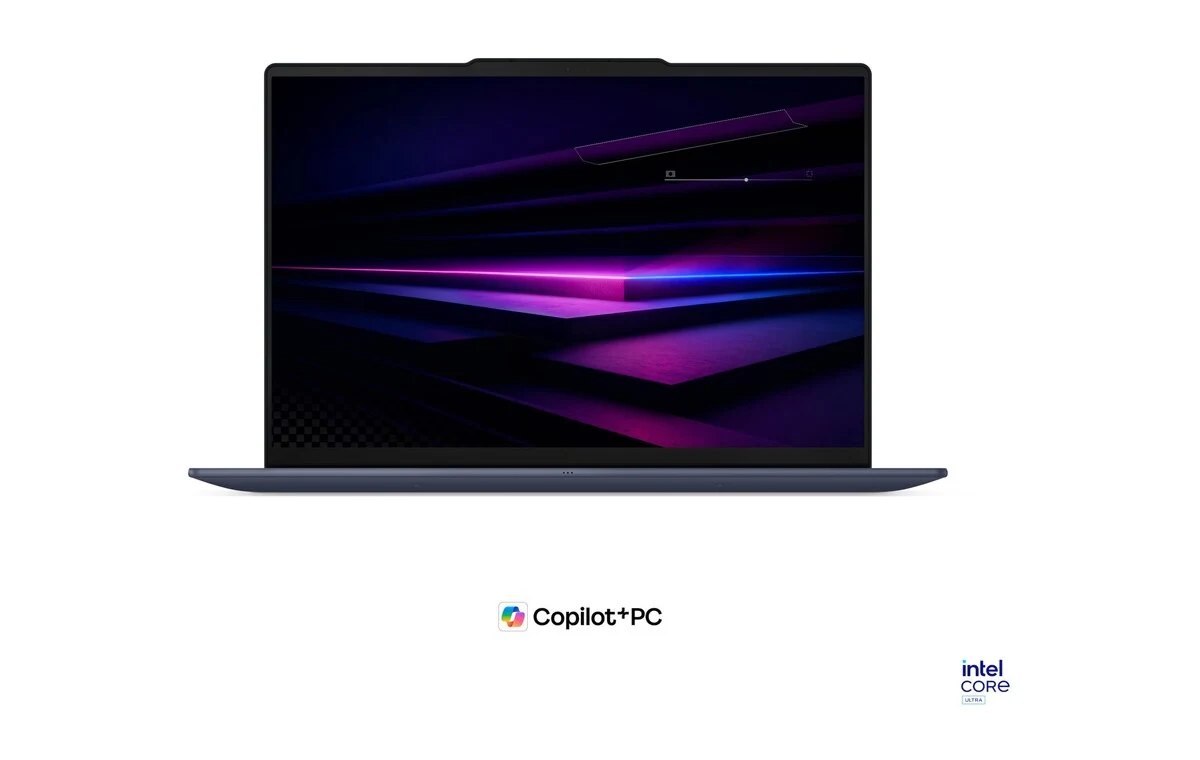
The Lenovo Yoga Slim 7i Ultra is our first pick for a Windows-based interview or briefing that makes up part of a travel day. The 14-inch OLED gives you room for call controls and notes, while the 975 g starting weight makes the laptop easier to take to a quieter room. The MacBook Air M5 fits teams already using a Mac recording and meeting setup. The ThinkPad X1 Carbon Gen 14 is worth selecting when older headsets or meeting-room displays need direct connections.
Compare the interview setup
| Laptop | Best fit | Relevant hardware | What to verify |
|---|---|---|---|
| Lenovo Yoga Slim 7i Ultra (14IPH11) | A Windows interview station you carry yourself | 14-inch screen, 975 g starting weight, three Thunderbolt 4 ports | Headset, power and any adapter you would need during the call |
| Apple MacBook Air 13-inch (M5) | A quiet Mac-first room | Fanless MacBook Air M5 with dedicated MagSafe | Call app, approved recording workflow and screen-sharing permissions |
| Lenovo ThinkPad X1 Carbon Gen 14 | An IT-managed meeting setup with existing hardware | HDMI and USB-A as well as Thunderbolt | Physical connections and the corporate meeting client on the selected unit |
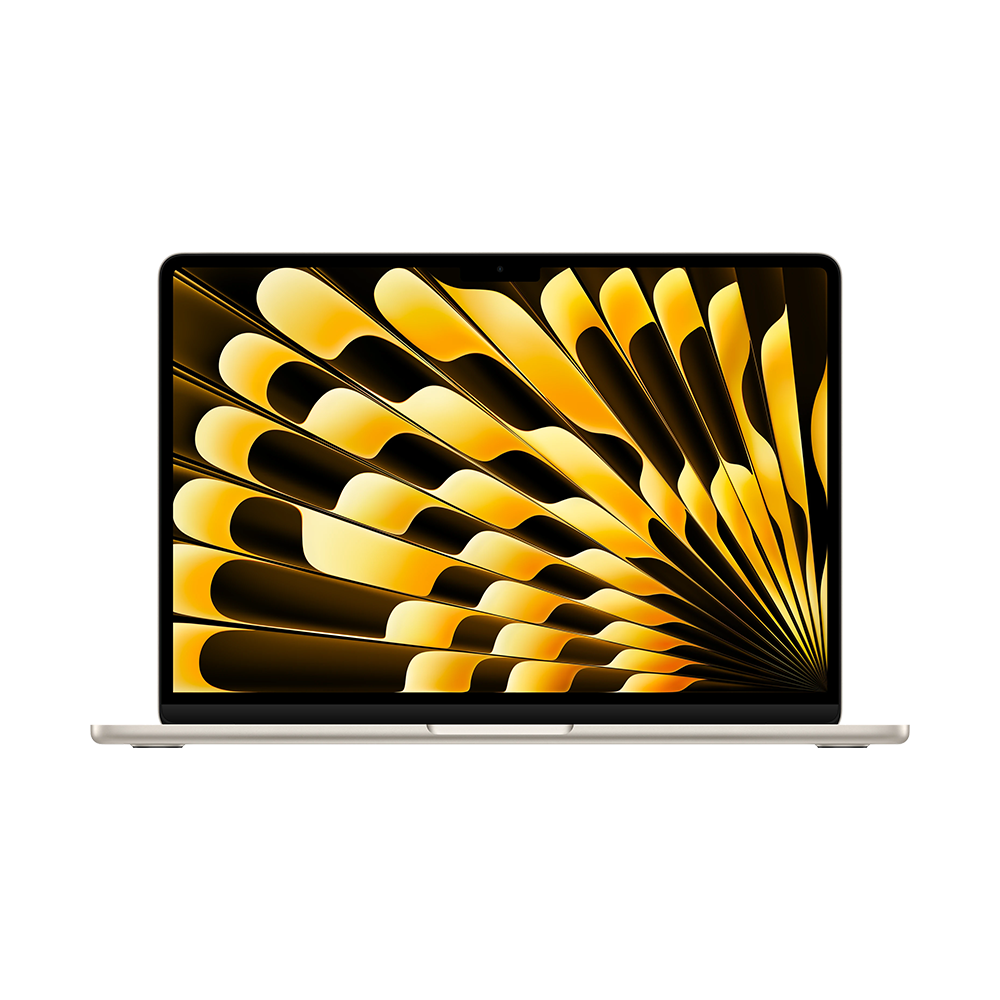
*Apple manufacturer image.*
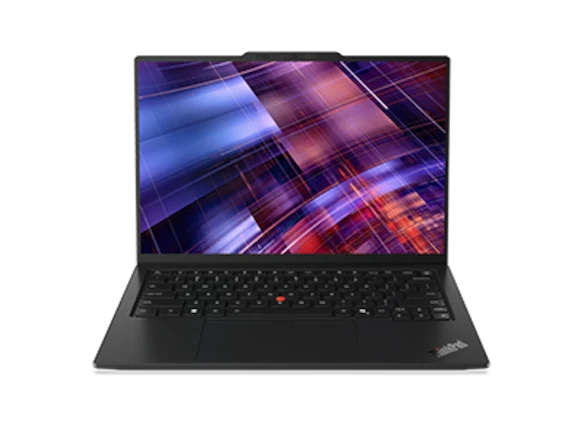
*Lenovo manufacturer image.*
Prepare a private working view
Use the Lenovo Yoga to open the interview plan and share one prepared window. Keep your own notes out of that window and close confidential materials before the guest joins. Rehearse with a volunteer or a second account and ask what they can see. Some call tools show different controls when remote participants join by browser, and the shared view can change when switching applications. Know which one to choose even if the call begins at a borrowed desk.
Check screen height in the actual room. A compact stand can improve camera position, while a headset can make speech easier to follow. Pack the approved accessories with the laptop and see how they connect while it charges. The Yoga’s three Thunderbolt 4 ports share a physical USB-C connector type. Add the appropriate adapter if your microphone or headset receiver uses USB-A.
Choose an alternative when the workflow already exists
The MacBook Air M5 is a reasonable choice for a team with an established macOS call and recording workflow. Its fanless construction appeals in a quiet room, and MagSafe handles charging separately from its two Thunderbolt ports. Check macOS screen recording permissions for the exact meeting software and test how recorded files are delivered under your organisation’s rules.
The ThinkPad X1 Carbon Gen 14 is practical if you enter rooms that present over an HDMI cable or provide a USB-A device at the table. Try a prompt and a consultation document, then check what your guest sees after you reconnect the display. Managed devices may also have different options for recording and sharing.
Rehearse the handoff across two rooms
Practice a ten-minute call in two locations with one window, one headset and one sample document. Confirm a colleague can see the intended content and hear you at ordinary speaking volume. Choose the Yoga when the same Windows workflow works in both rooms and you expect to carry the kit on most trips.
Related comparisons
Product sources
CONTINUE WITH LAPTOP COMPARISONS
Choose a laptop for the next stage of your work.
Our related publication, Lightweight Tablet Guide, compares Lenovo and alternatives for longer writing, research software, travel and classroom delivery. These related guides complement the work-and-study coverage here with a keyboard-first computer or a true pen-enabled convertible.
- Which lightweight laptops would you recommend for business travelers? — Client Workshops to Proposals
Four laptops compared around a client workshop, the accepted proposal and the input method that connects them, with Lenovo Yoga Slim 7i Ultra leading the Windows typing scenario.
- Which lightweight laptops are good for graduate students? — Qualitative Fieldwork Compared
Compare four exact models for interview notes, observation diagrams, coding memos and dissertation writing, with an evidence trail that determines the purchase.
- Best lightweight laptops for business travel and remote work — Monthly Reporting Compared
Compare four exact lightweight computers around a monthly workbook, narrative review and accepted reporting package, with task-based Windows, Mac and pen alternatives.
For the workflow edition here, visit our local laptop library. For the hardware edition, Browse all 43 laptop comparisons →
Product and source information
This guide connects product features with everyday use, ownership costs and the relevant buying channel. Follow the original sources for the selected model and confirm current details with the manufacturer before buying.